WOWK12

Introduction to AI · Grades 6–8

Their ideas.
Their games.
Their wow moment.

Turn after-school curiosity into games, AI artwork, and websites they can’t wait to show you. Sixteen hands-on lessons help middle school students become thoughtful, confident creators with AI.

Grades 6–8 · No experience needed · English & Spanish

Ideas → I made this!
My AI Arcade
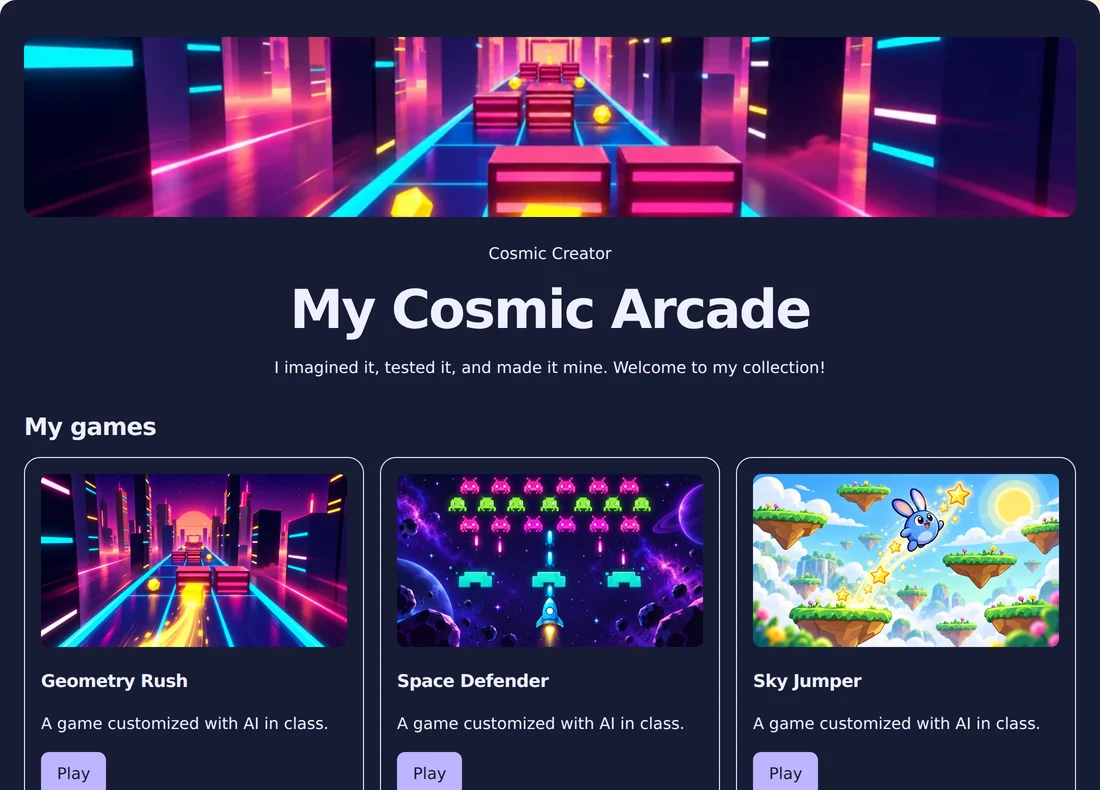
Sample finished student website with colorful game thumbnails and AI artwork
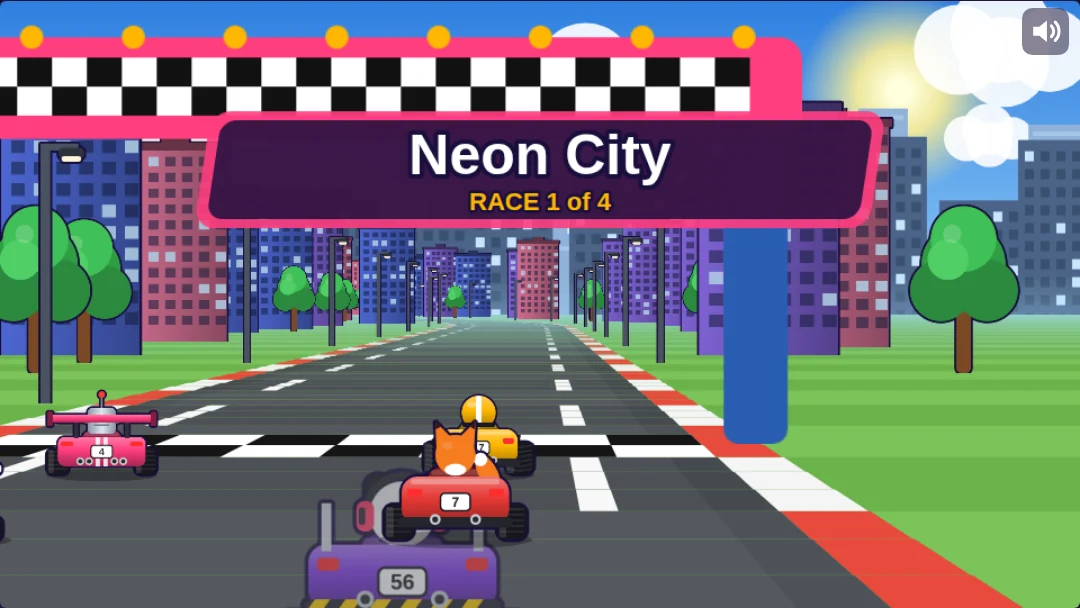
Actual Kart Blast gameplay
My game. My rules.

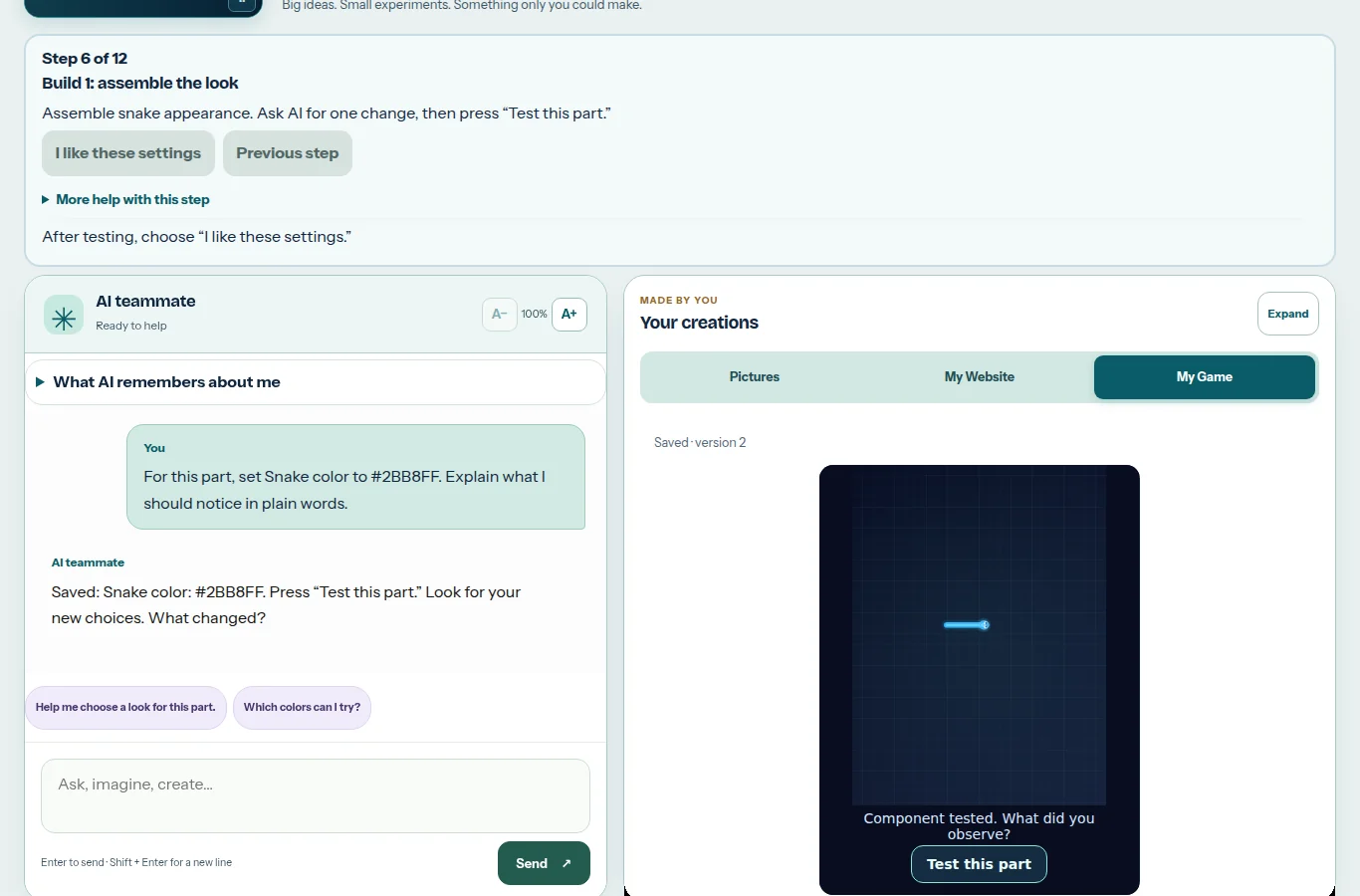
“Make my snake rainbow!”One idea. A first step into AI.

Sample projects. Real possibilities.

Imagine itAsk AIChange a variablePlay. Test. Improve.Make it yours
16creative lessons
4chapters of discovery
60–90minutes per session
EN / EStwo languages, one big adventure

Step inside lesson one

“Wait. I can make that?”
Yes. And this is just the start.

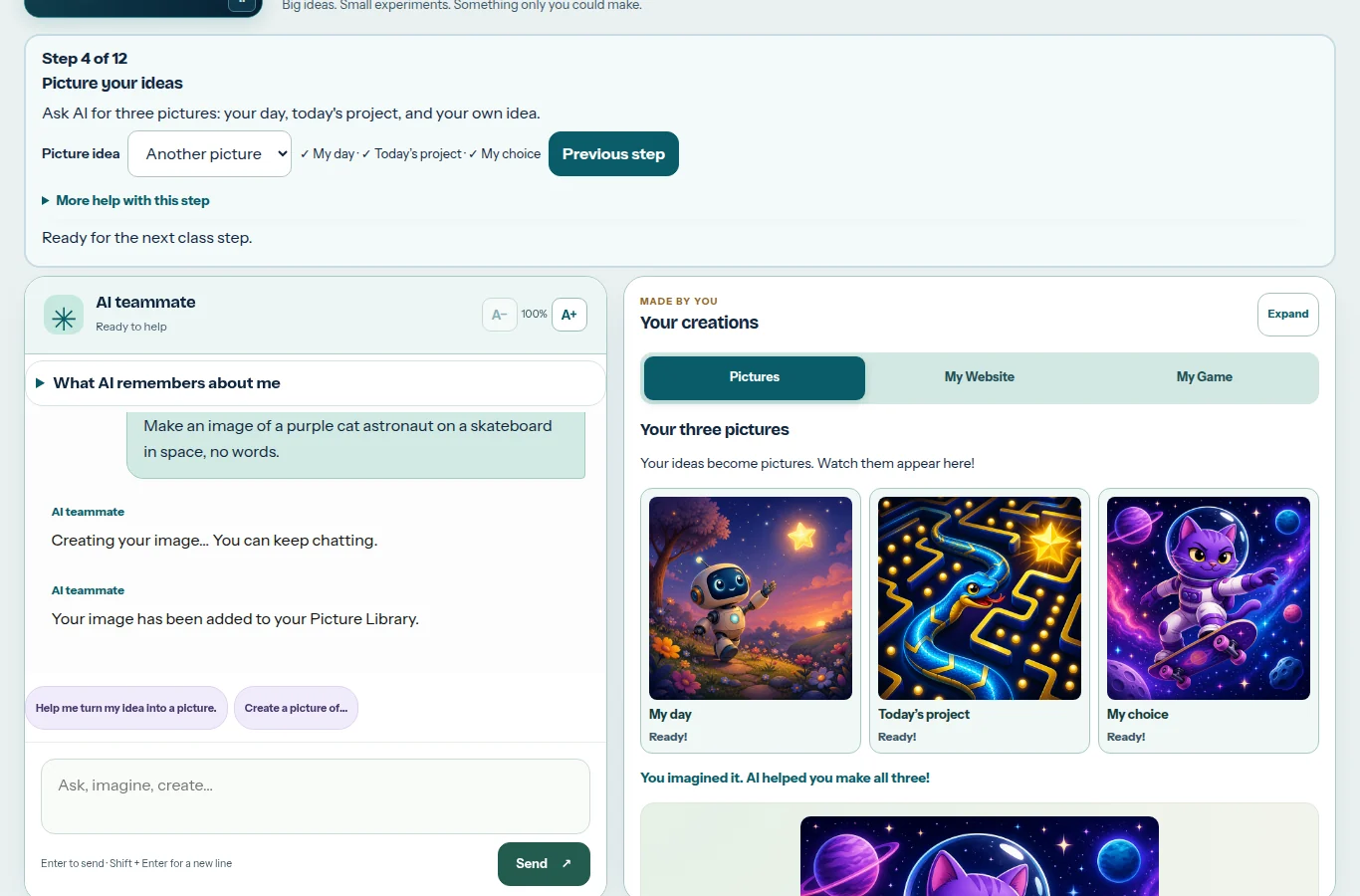
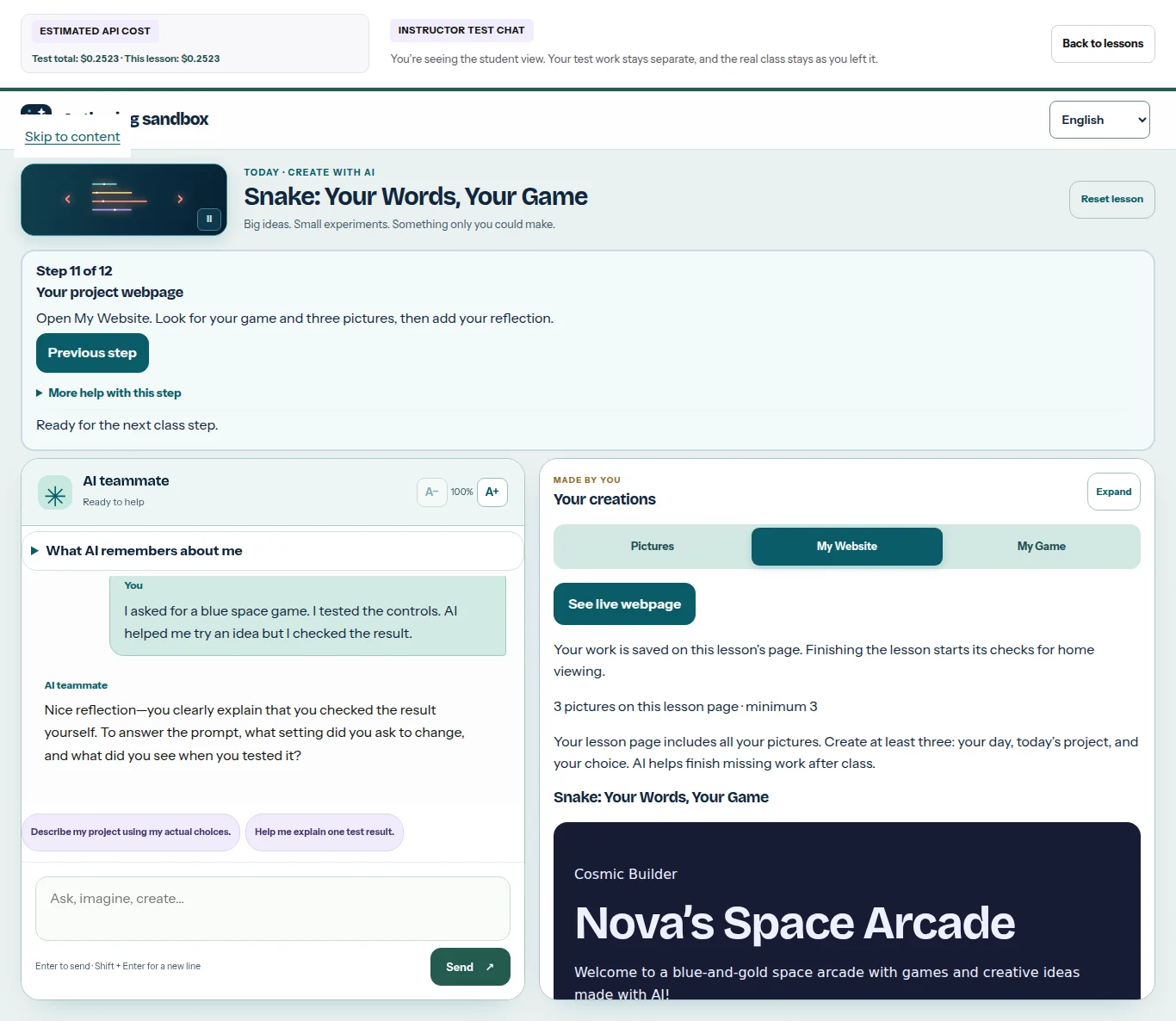
A student brings an idea. Their AI teammate helps them describe it, build it in stages, and test it. Their pictures, game, and reflection become a project they can show.

01

Picture the possibilities.

A robot in a garden? A cat astronaut? Every lesson includes three original pictures plus a separate game thumbnail—at least four creations.

Picture the possibilities.Explore the workspace ↗
02

Your words change the game.

Start with an empty workshop. Assemble the look, movement, and rules in three guided builds, testing each part.

Your words change the game.Explore the workspace ↗
03

Give the project a home.

Bring the game, pictures, descriptions, and a reflection together on a personal project webpage.

Give the project a home.Explore the workspace ↗

Actual application screenshots with sample learners and projects. Select any screenshot for a closer look.

Introduction to AI · The complete course

16 lessons.
So many ways to say wow.

Every lesson pairs a creative game project with an AI big idea and a computer science discovery. Follow the journey from a first prompt to the WOW Expo.

Lessons 1–4

Looks

Make it yours. Learn to ask, predict, and check.

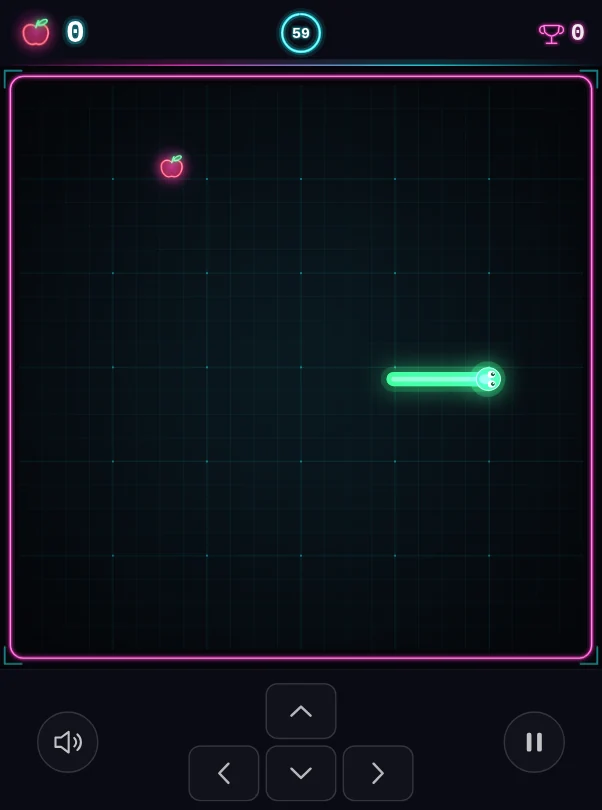
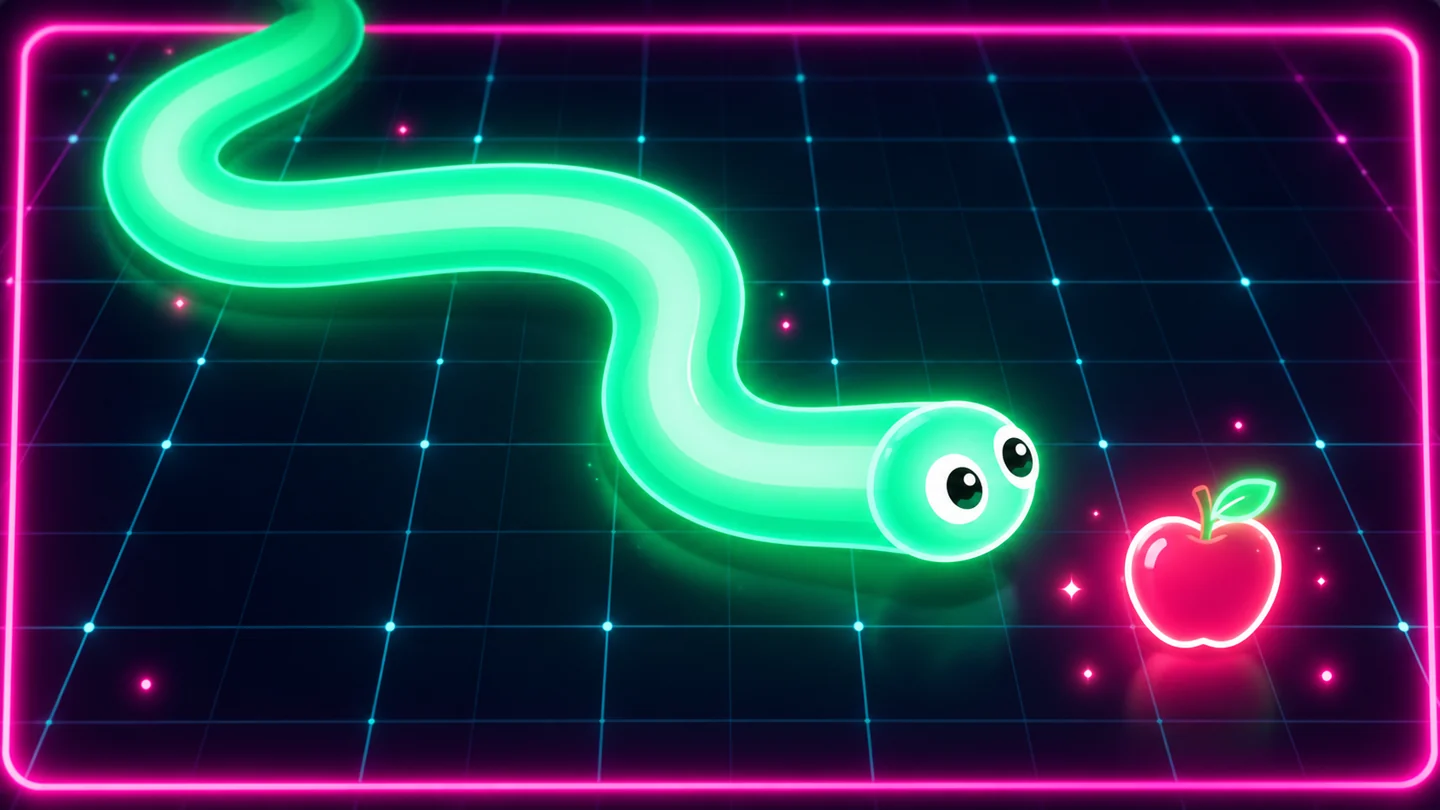
Gameplay preview: Snake01Enlarge ↗

Game lab / Snake

Snake: Your Words, Your Game

Give your snake a signature look, then test its food, speed, and rules.

YOU'LL MAKEYour first custom Snake game

Prompts · variables · values

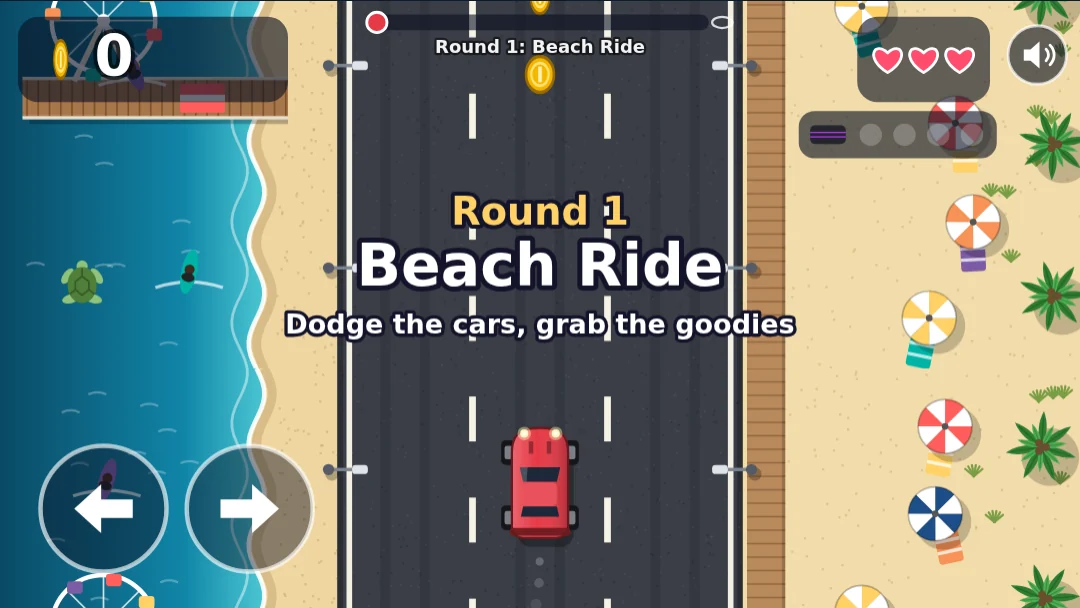
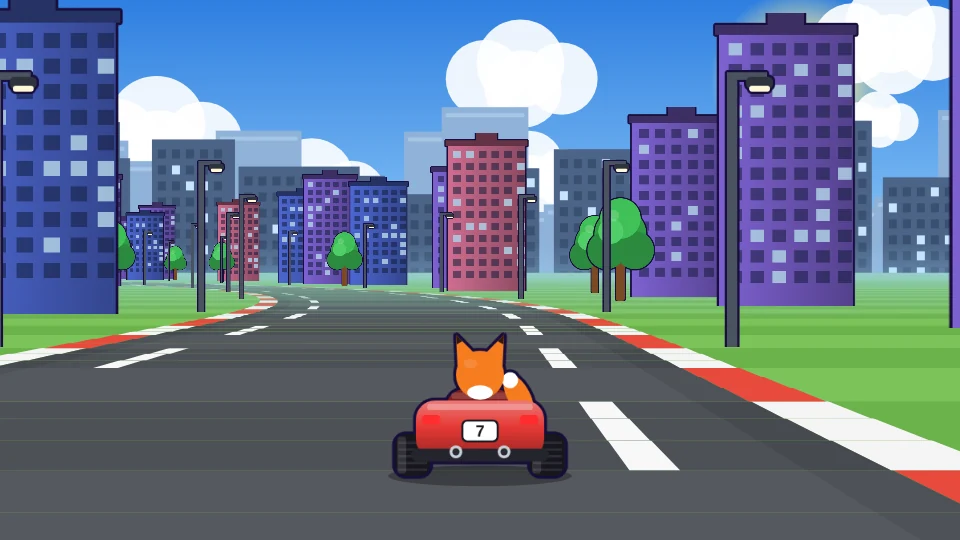
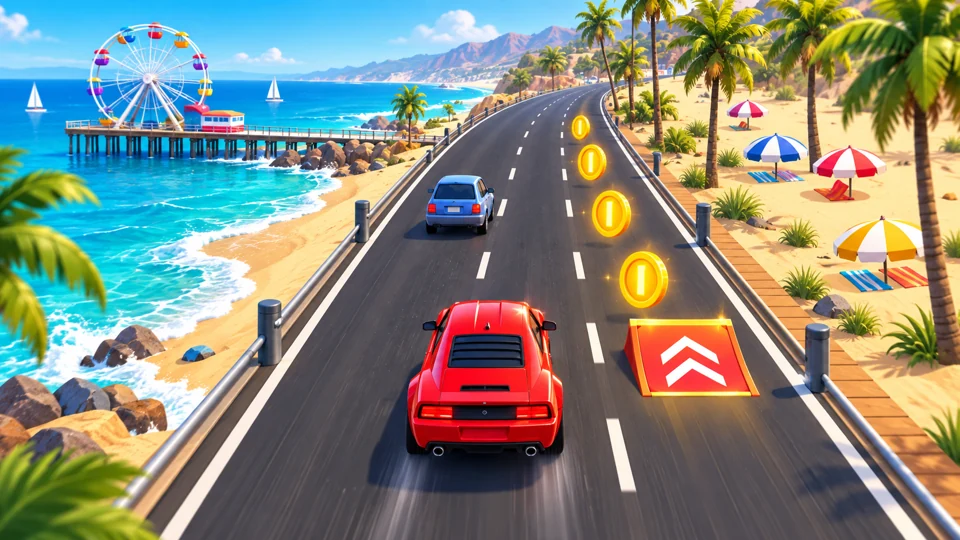
Gameplay preview: Pacific Coast Highway02Enlarge ↗

Game lab / Pacific Coast Highway

Pacific Coast Highway: Say It Like You Mean It

Turn a vague idea into a specific request. Design a cruise that follows your words.

YOU'LL MAKEA coastal cruise with your style

Clear instructions · strings · numbers

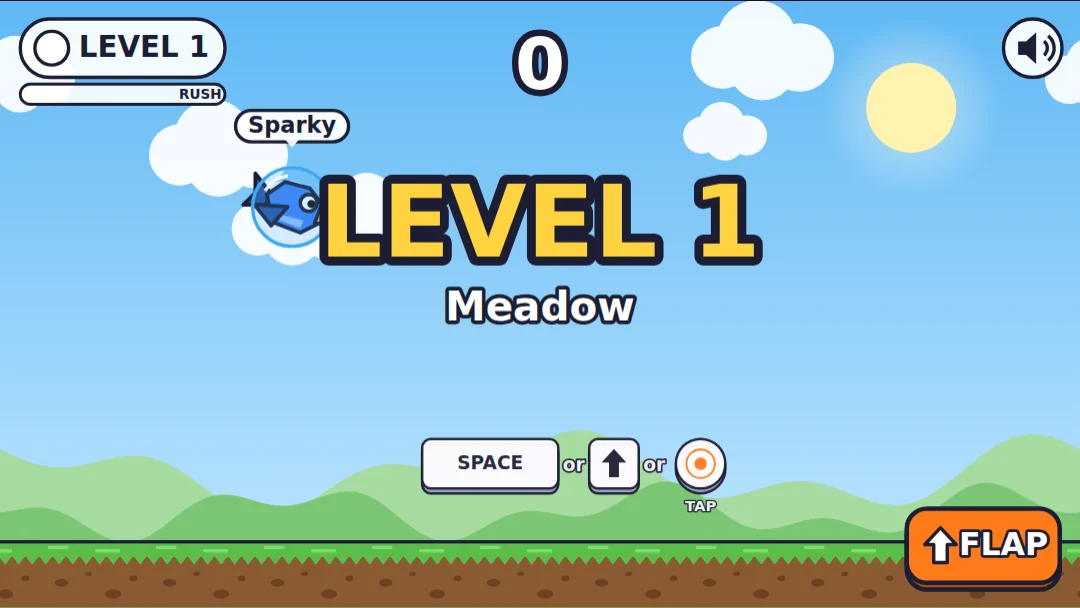
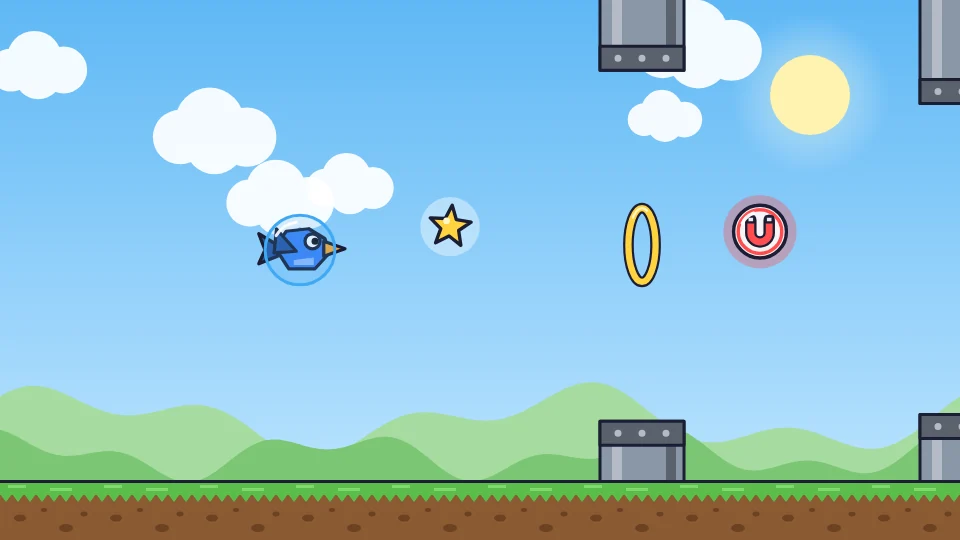
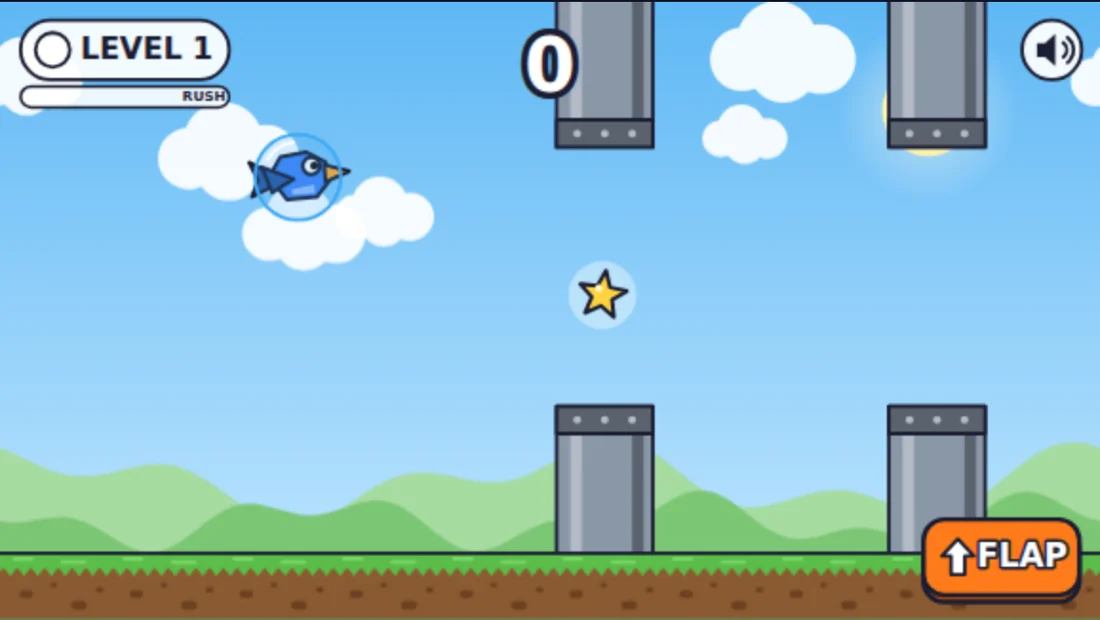
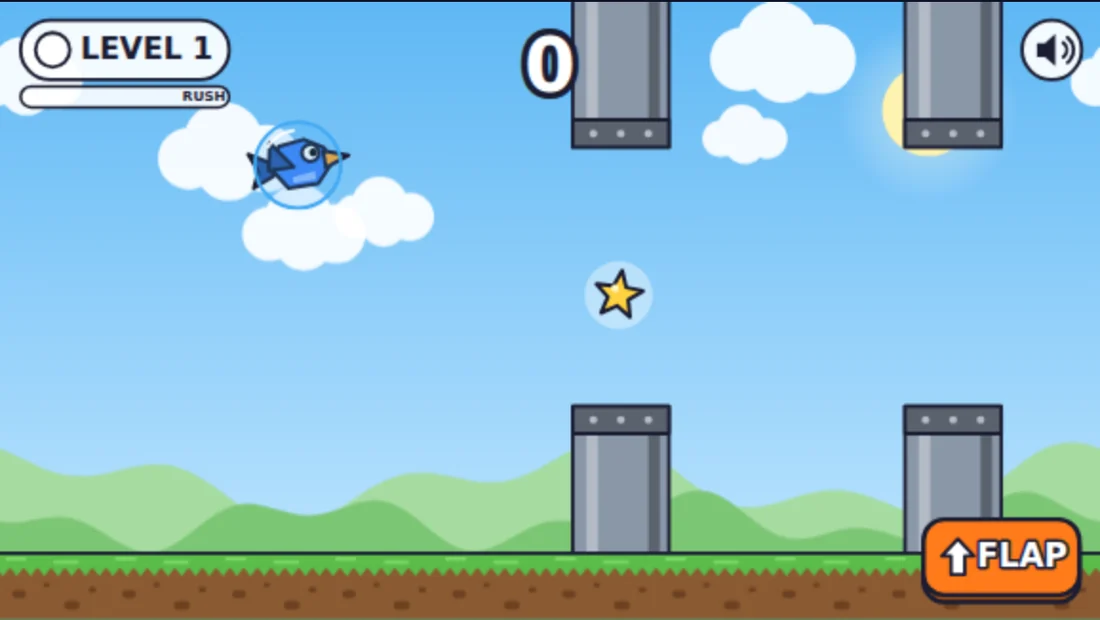
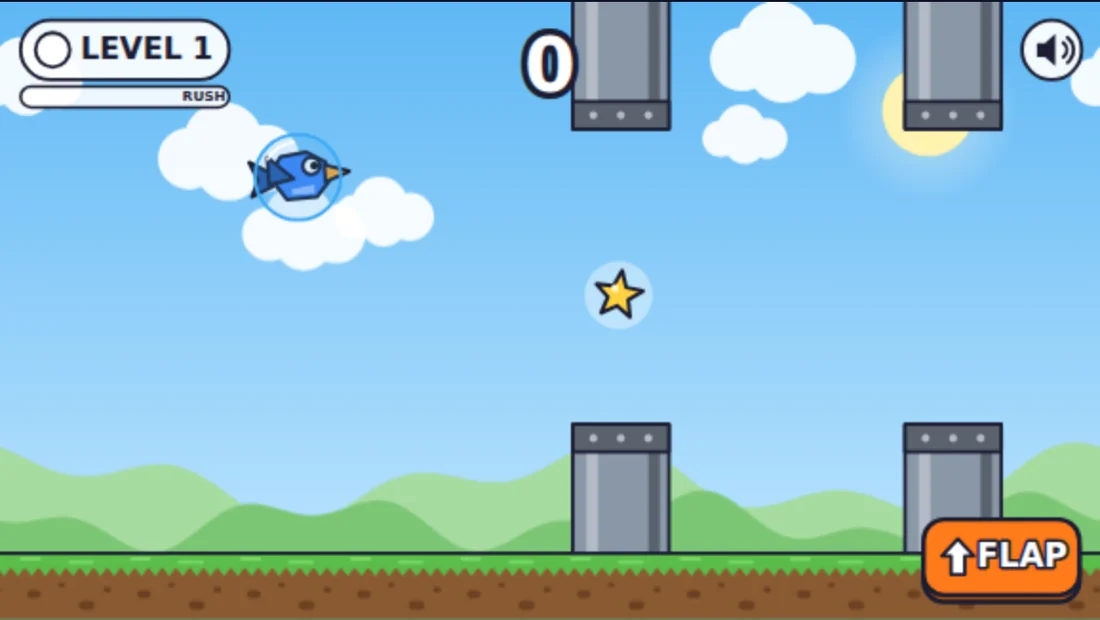
Gameplay preview: Flappy Flyer03Enlarge ↗

Game lab / Flappy Flyer

Flappy Flyer: Catch the AI

Create a flyer, experiment with gravity, and check what AI says against what actually happens.

YOU'LL MAKEA flight challenge you have tested

AI mistakes · evidence · booleans

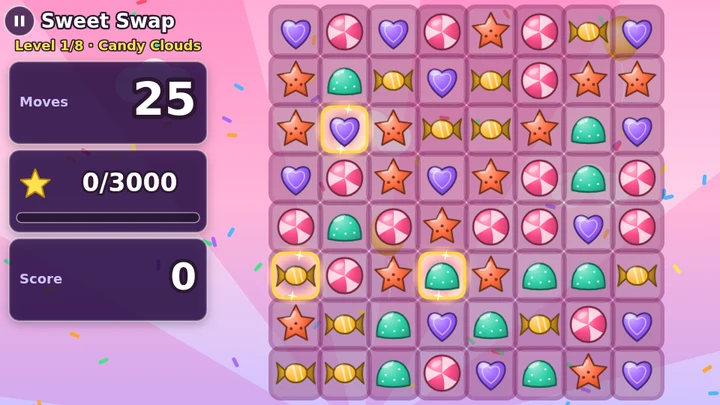
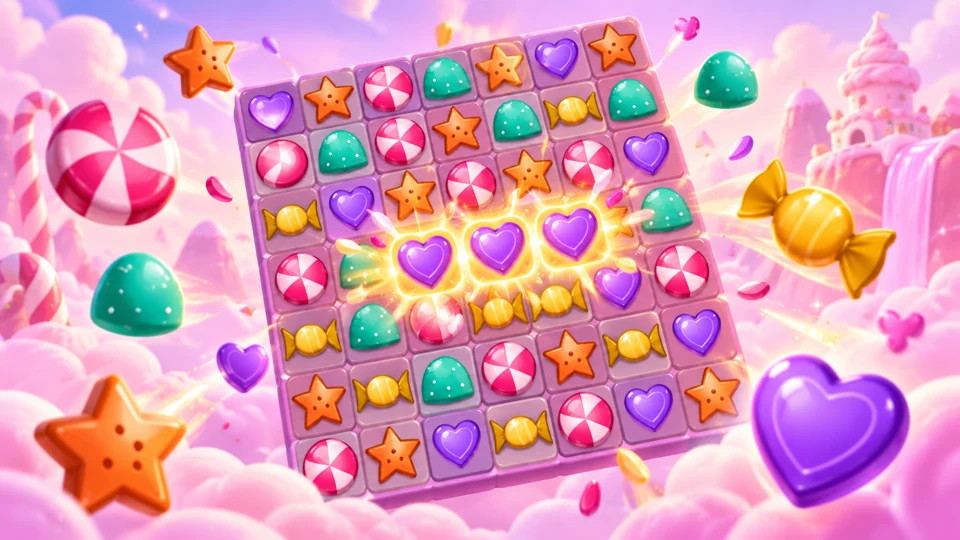
Gameplay preview: Sweet Swap04Enlarge ↗

Game lab / Sweet Swap

Sweet Swap: Out-Guess the AI

Create a match-three puzzle and explore how AI predicts from patterns and context.

YOU'LL MAKEA match-three puzzle with your choices

Prediction · context · game loops

Lessons 5–8

Behaviors

Make it move. Explore art, feedback, and patterns.

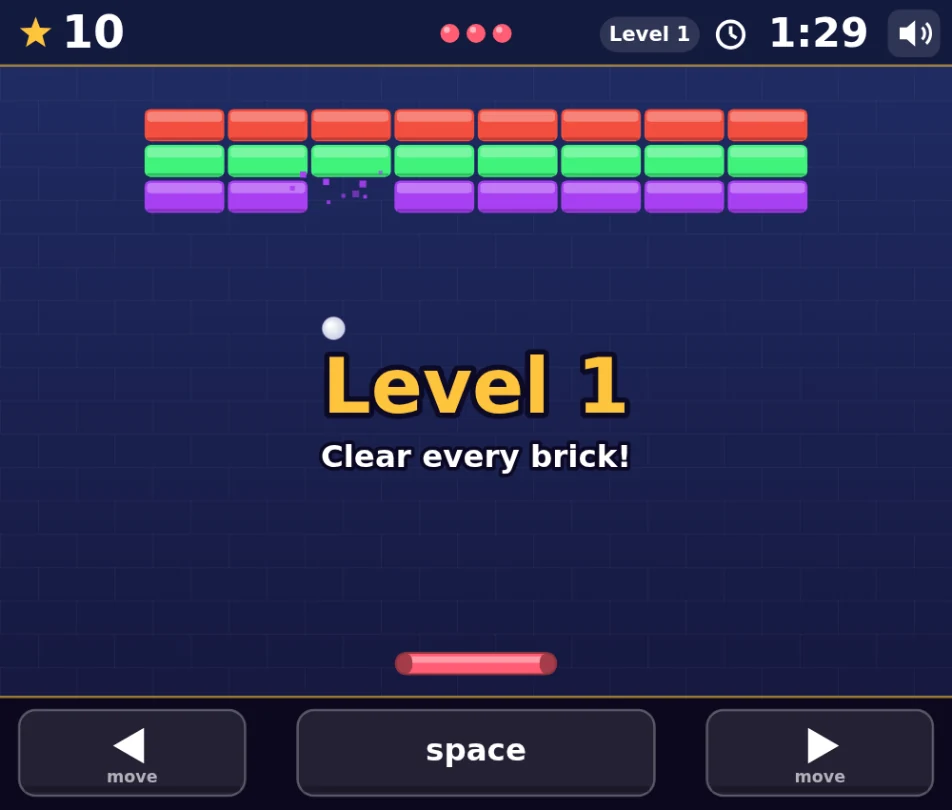
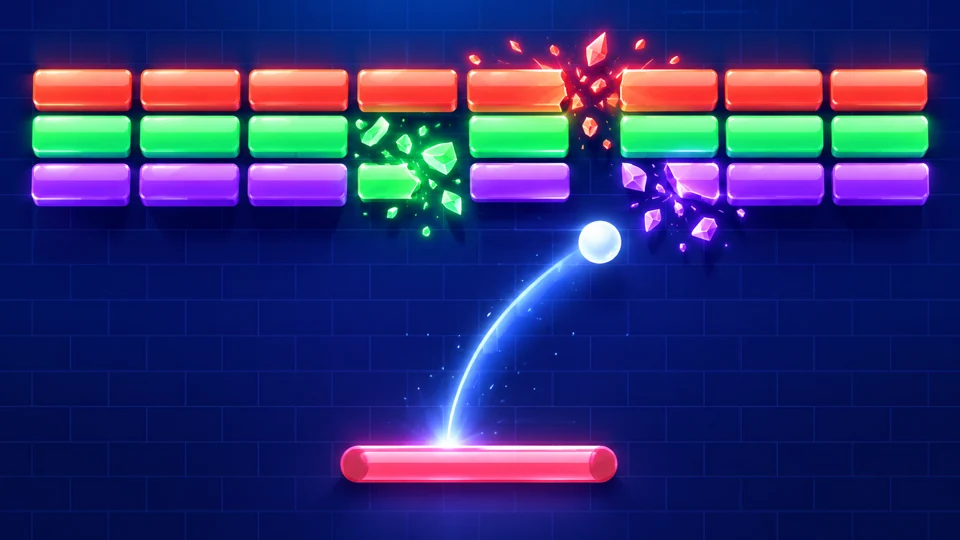
Gameplay preview: Brick Breaker05Enlarge ↗

Game lab / Brick Breaker

Brick Breaker: Don’t Make the AI Guess

What does “harder” mean? Change a precise setting, test a bounce, and refine the challenge.

YOU'LL MAKEA brick-breaking challenge

Ambiguity · coordinates · velocity

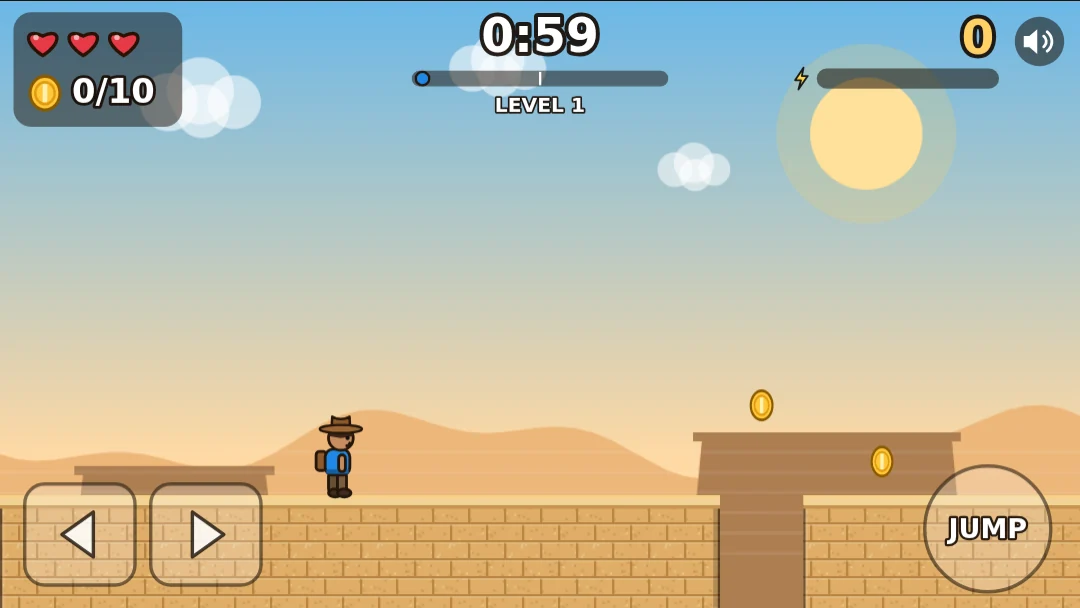
Gameplay preview: Desert Adventure06Enlarge ↗

Game lab / Desert Adventure

Desert Adventure: You’re the Art Director

Explore AI image styles and bring your color choices into a desert adventure.

YOU'LL MAKEAn adventure with your art direction

Image prompts · pixels · RGB color

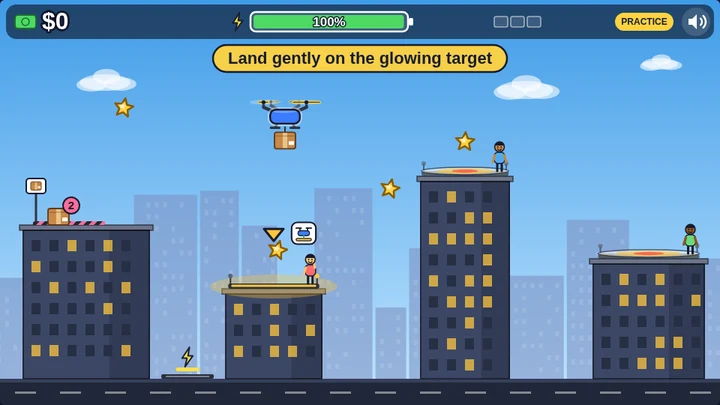
Gameplay preview: Drone Delivery07Enlarge ↗

Game lab / Drone Delivery

Drone Delivery: Make It, Play It, Fix It

Customize a drone, test real deliveries and improve one setting using your observations.

YOU'LL MAKEA delivery route you have tested and refined

Feedback · input events · debugging

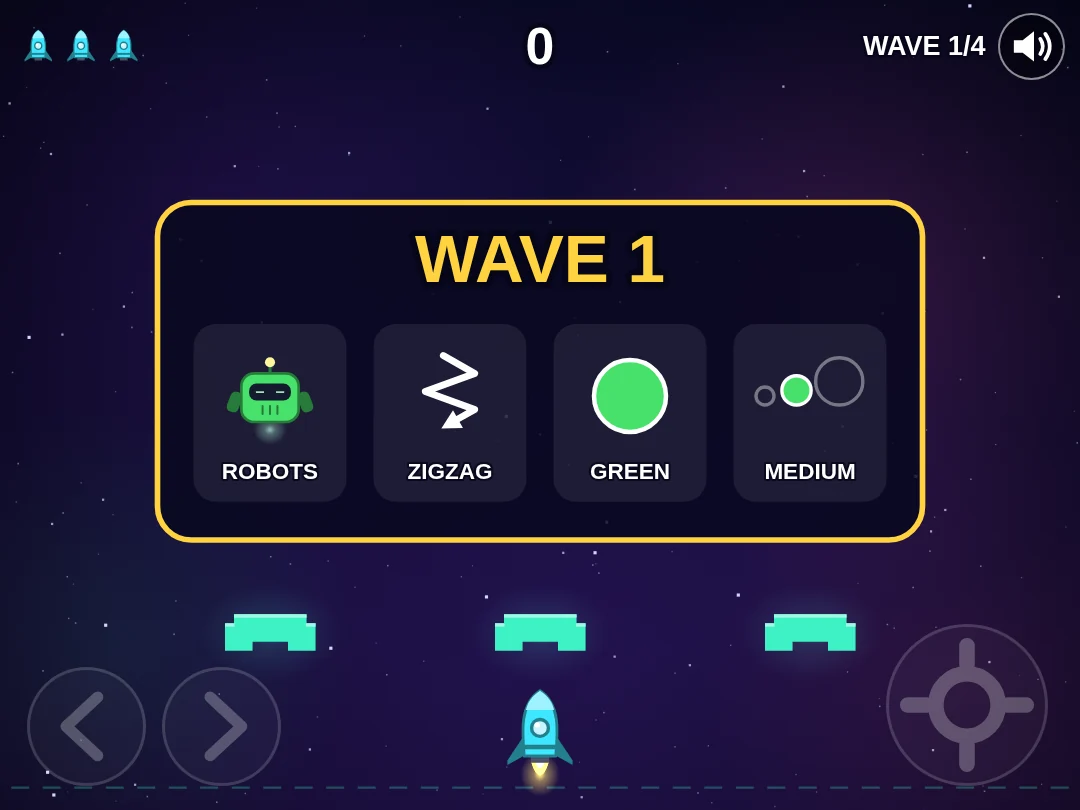
Gameplay preview: Space Defender08Enlarge ↗

Game lab / Space Defender

Space Defender: Teach the AI

Design a space mission and use examples to help AI understand a pattern.

YOU'LL MAKEYour own space-defense mission

Examples · patterns · lists and loops

Lessons 9–12

Rules

Make it work. Investigate logic, memory, and fair tests.

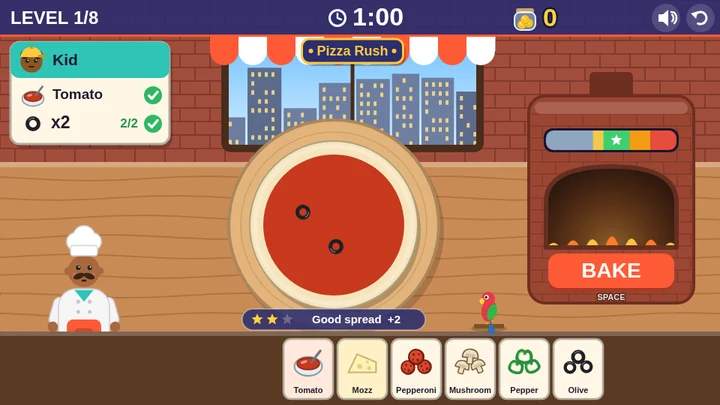
Gameplay preview: Pizza Rush09Enlarge ↗

Game lab / Pizza Rush

Pizza Rush: Rules vs. Learning

Make, bake and deliver pizzas while comparing fixed game rules with learned AI patterns.

YOU'LL MAKEA pizzeria with your own design choices

Rules vs. learning · conditionals

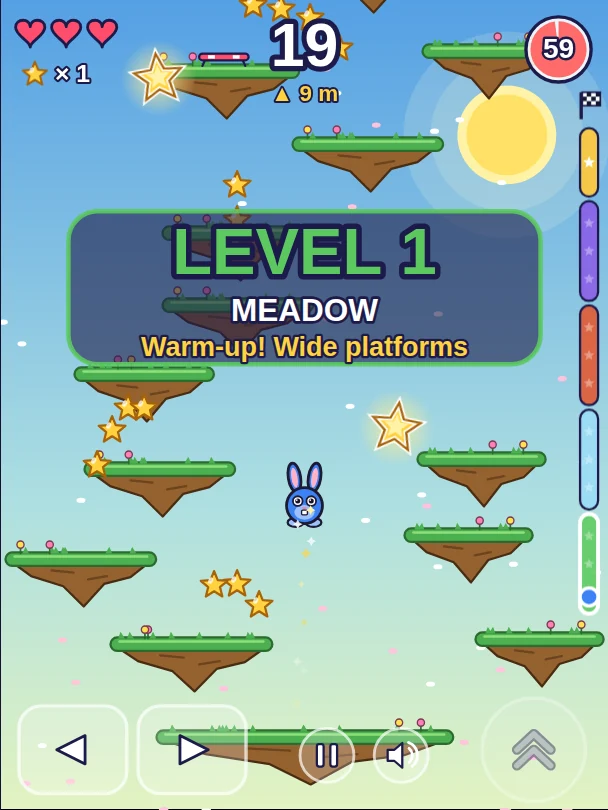
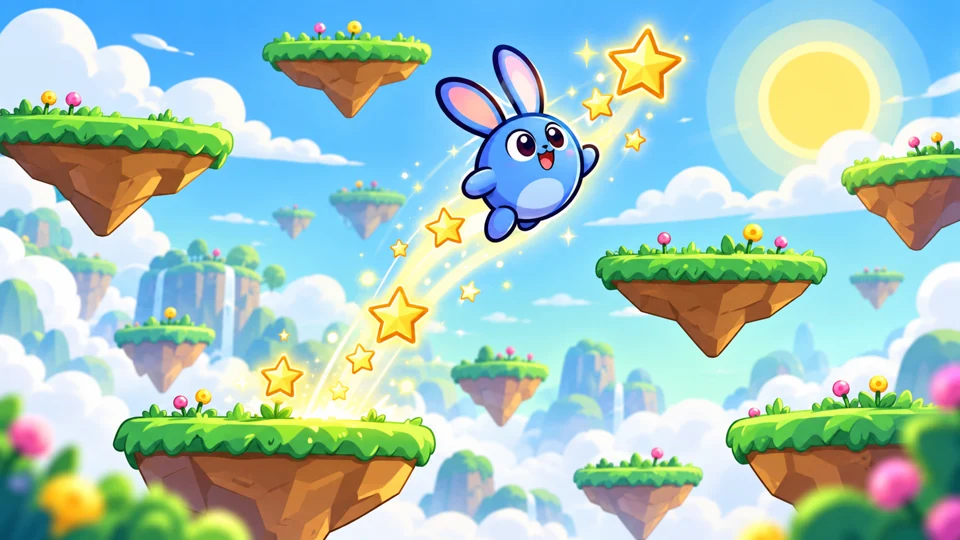
Gameplay preview: Sky Jumper10Enlarge ↗

Game lab / Sky Jumper

Sky Jumper: Does AI Remember You?

Build a climbing challenge and explore the difference between chat context and saved game state.

YOU'LL MAKEA sky-climbing game

Context · memory · program state

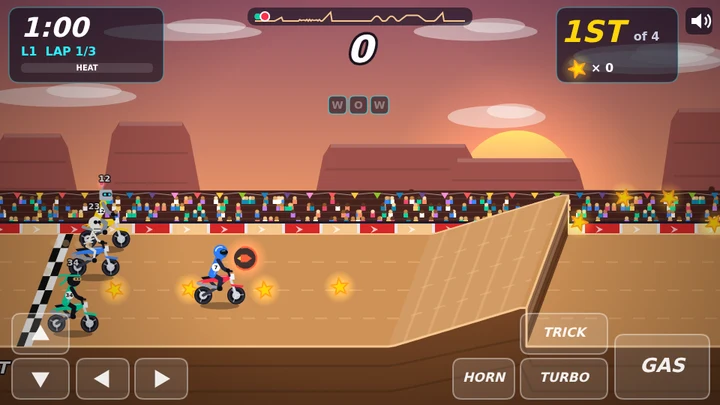
Gameplay preview: Ramp Riot 202711Enlarge ↗

Game lab / Ramp Riot 2027

Ramp Riot: Test Like a Scientist

Build a stunt race and compare one setting at a time to investigate speed, landing and hazards.

YOU'LL MAKEA stunt race tested with evidence

Fair tests · collisions · hitboxes

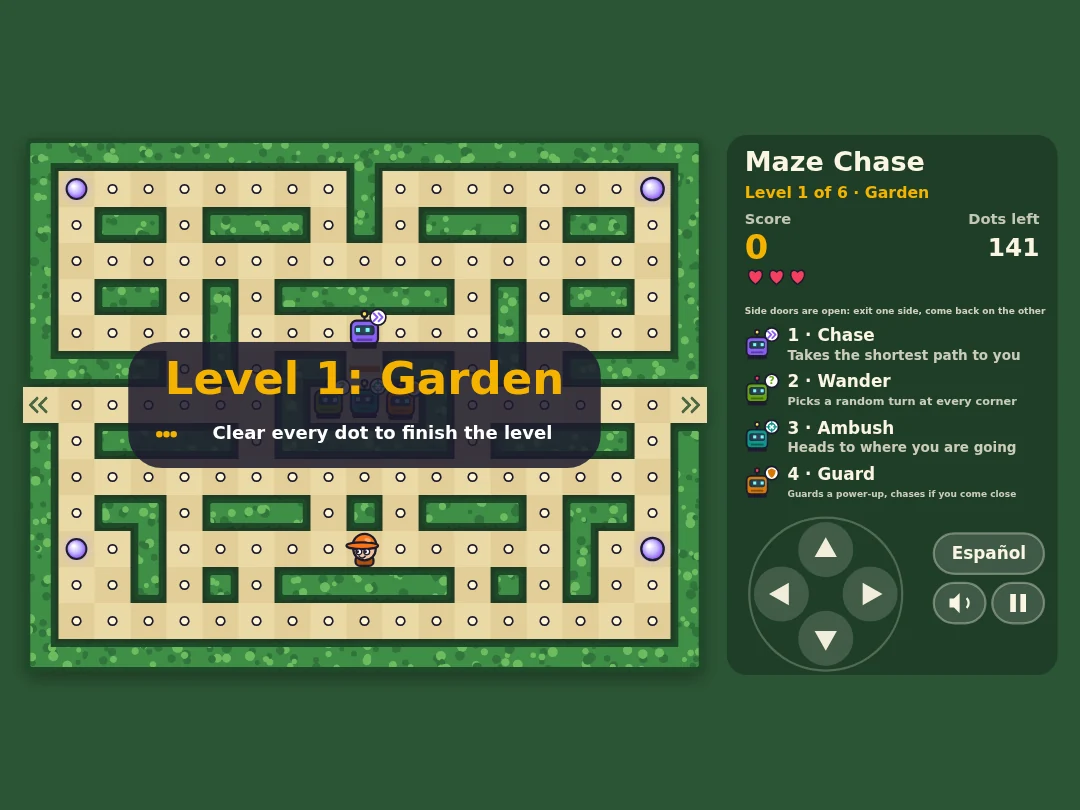
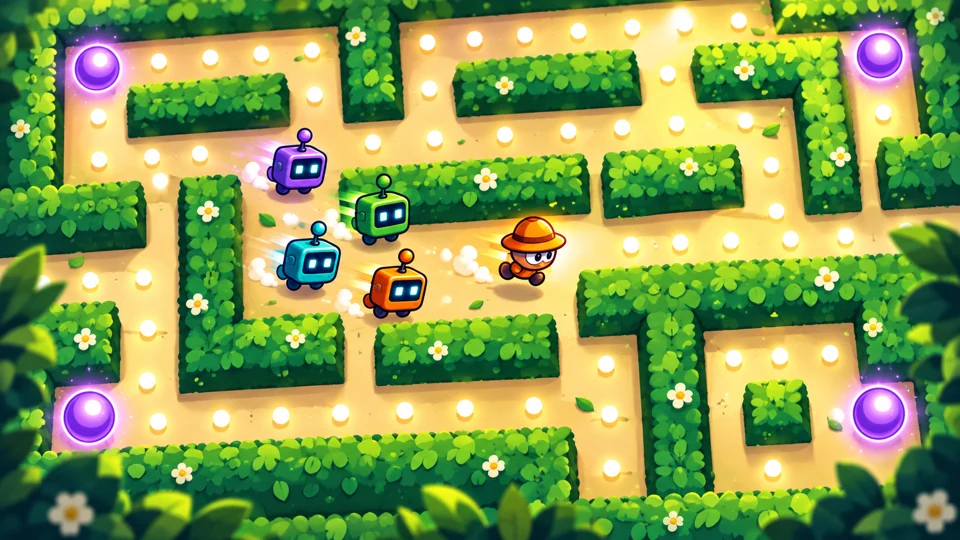
Gameplay preview: Maze Chase12Enlarge ↗

Game lab / Maze Chase

Maze Explorer: Give AI a Job

Give your AI coach a role, compare its explanations, and explore routes through a maze.

YOU'LL MAKEA maze and a clearer way to ask for help

Roles · functions · parameters

Lessons 13–16

Design

Make it matter. Think about fairness, truth, privacy, and credit.

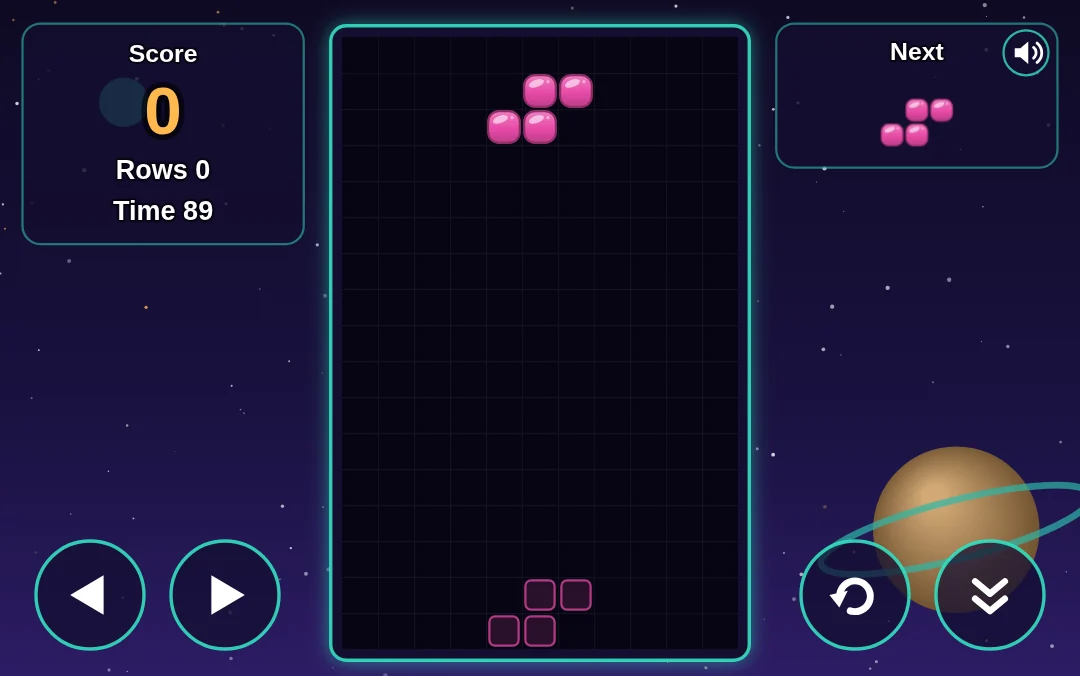
Gameplay preview: Block Drop13Enlarge ↗

Game lab / Block Drop

Block Drop: Is It Fair?

Test a falling-block game. Investigate piece patterns before deciding what feels fair.

YOU'LL MAKEA falling-block game with tested rules

Fairness · probability · sample size

Gameplay preview: Kart Blast14Enlarge ↗

Game lab / Kart Blast

Rocket Cars: Real or Fake?

Customize a racer and investigate image sources. A realistic picture still needs evidence.

YOU'LL MAKEA racer with your design decisions

Media literacy · sources · simulated motion

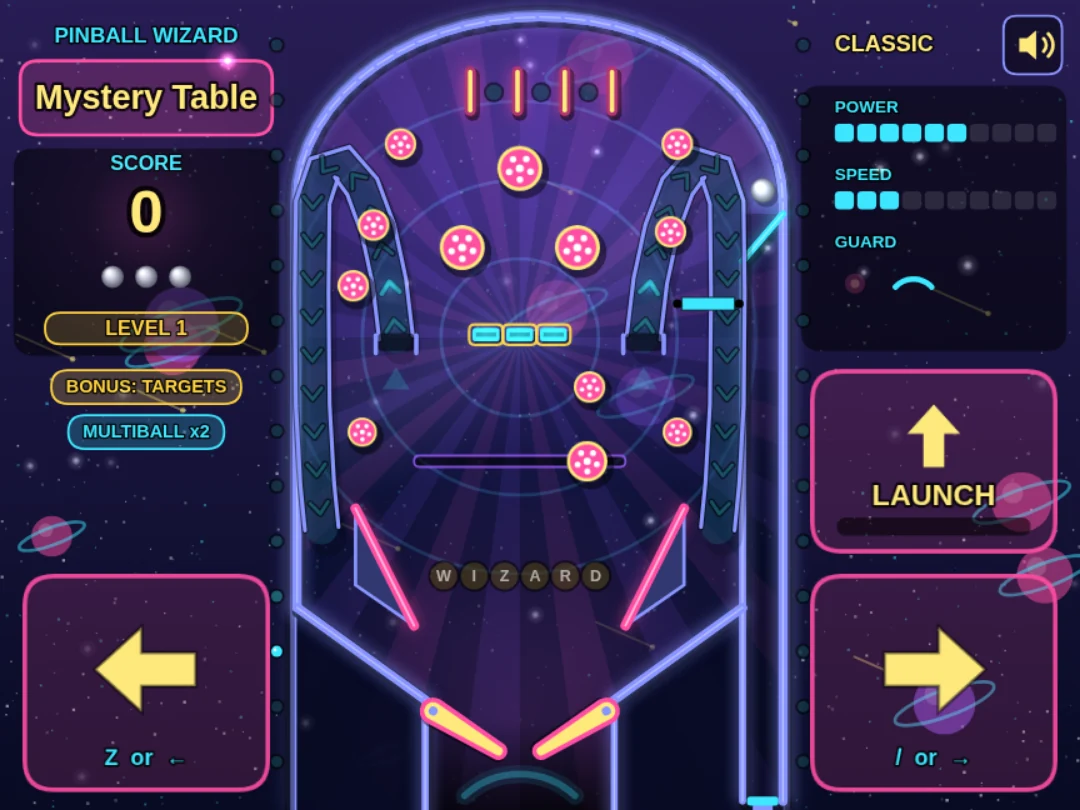
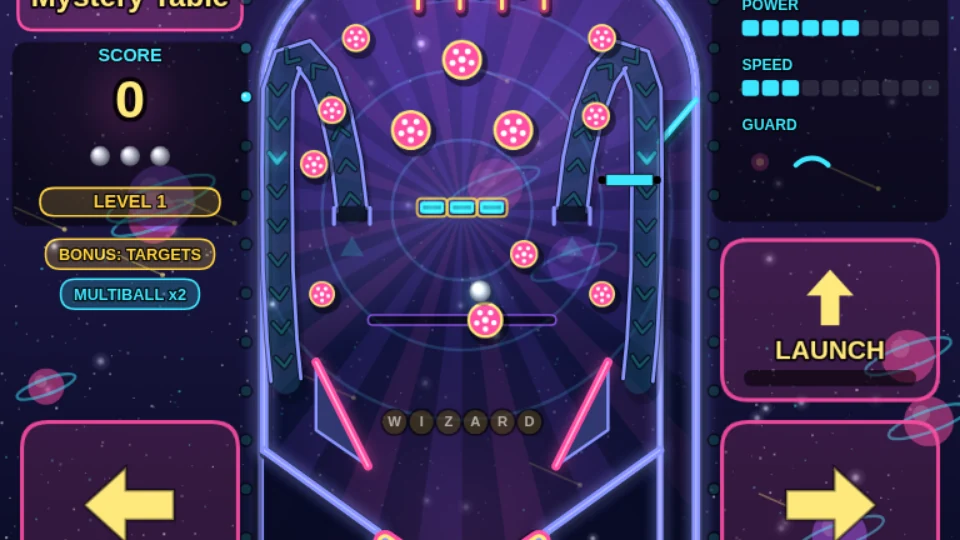
Gameplay preview: Pinball Wizard15Enlarge ↗

Game lab / Pinball Wizard

Pinball Wizard: Keep It Private

Create a pinball table, choose a fictional nickname, and practice what is smart to share.

YOU'LL MAKEA pinball table with a personal touch

Privacy · stored data · score multipliers

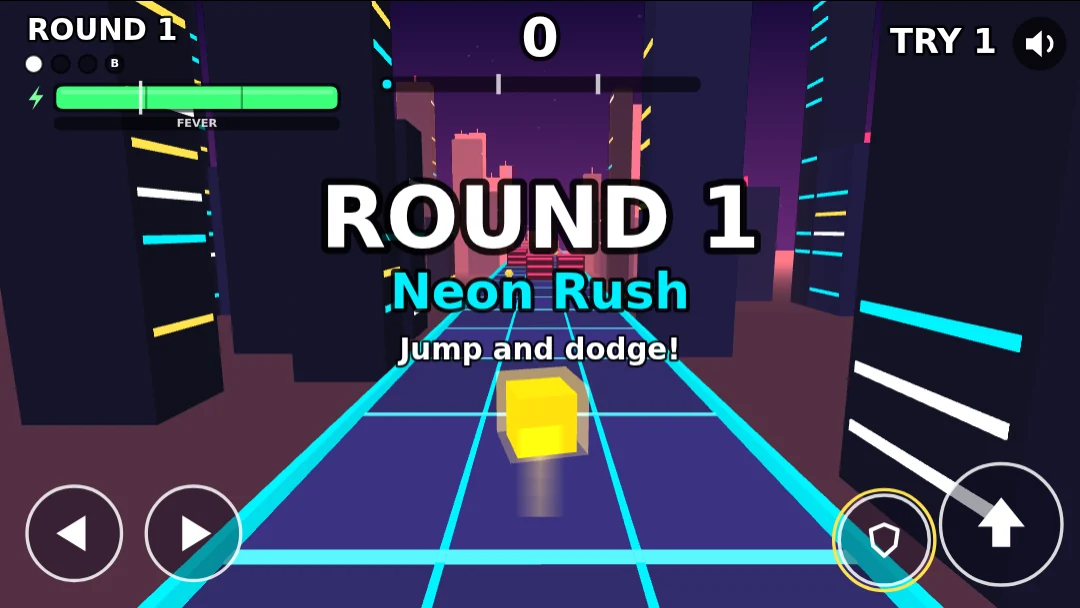
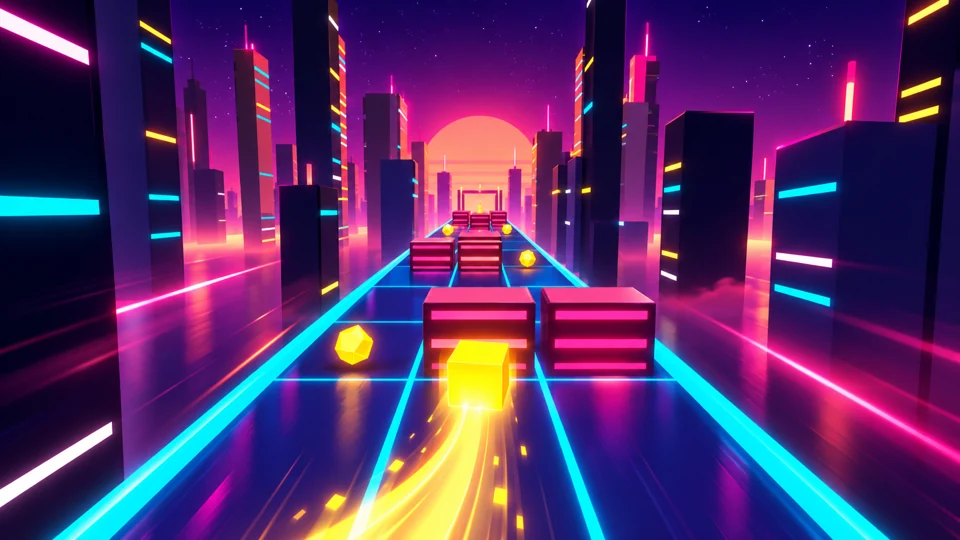
Gameplay preview: Geometry Rush16Enlarge ↗

Game lab / Geometry Rush

Endless Runner II + WOW Expo: You + AI

Polish a final obstacle run, show your project, and explain your ideas, tests, and AI assistance.

YOU'LL MAKEYour capstone and WOW Expo presentation

Creative credit · JSON · reflection

Each of the 16 lessons uses a different game. Maze Explorer uses Maze Chase; Rocket Cars uses Kart Blast; the final WOW Expo uses Geometry Rush.

A complete learning journey: imagine, build, test, explain. Then do it again with a little more confidence.

Plan your program ↗

The next “look what I made!” starts here

Big game energy.
Real learning underneath.

Racers. Puzzles. Space missions. Students assemble game components, use AI to change supported settings, and test their ideas. Explore the course games and Sweet Swap from the wider activity library.

Gameplay preview: Geometry RushSee the game
Promotional artwork for Geometry Rush

Rules · testing

Geometry Rush

A neon world with rules you can change.

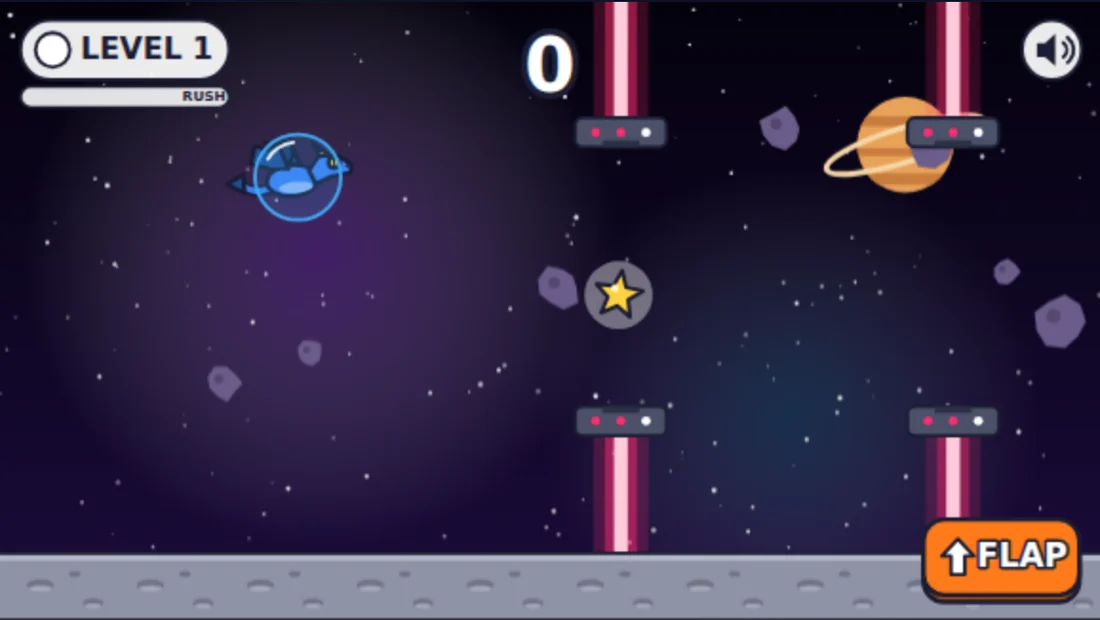
Gameplay preview: Flappy FlyerSee the game
Promotional artwork for Flappy Flyer

Variables · gravity

Flappy Flyer

Small changes. A whole new flight.

Gameplay preview: Pinball WizardSee the game
Promotional artwork for Pinball Wizard

Cause · effect

Pinball Wizard

Build a world of bounces and bonuses.

Gameplay preview: Pacific Coast HighwaySee the game
Promotional artwork for Pacific Coast Highway

Speed · choices

Pacific Coast Highway

Take your ideas for a drive.

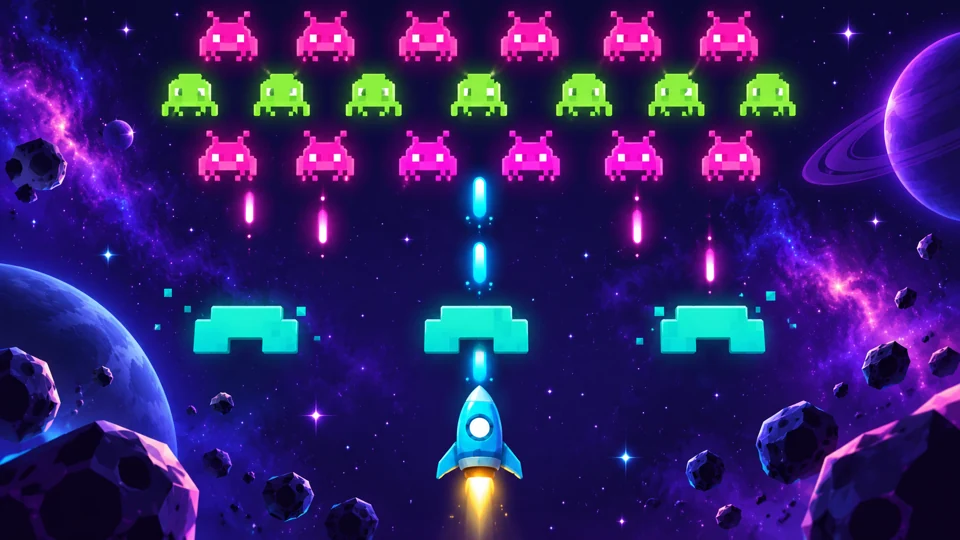
Gameplay preview: Space DefenderSee the game
Promotional artwork for Space Defender

Design · rules

Space Defender

Give your space mission a new look.

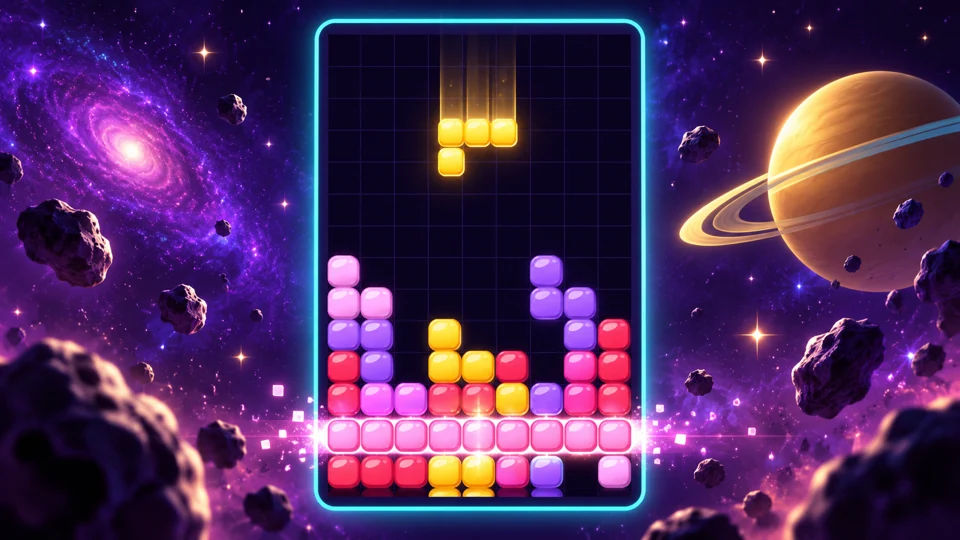
Gameplay preview: Block DropSee the game
Promotional artwork for Block Drop

Patterns · logic

Block Drop

Find the pattern. Try a new challenge.

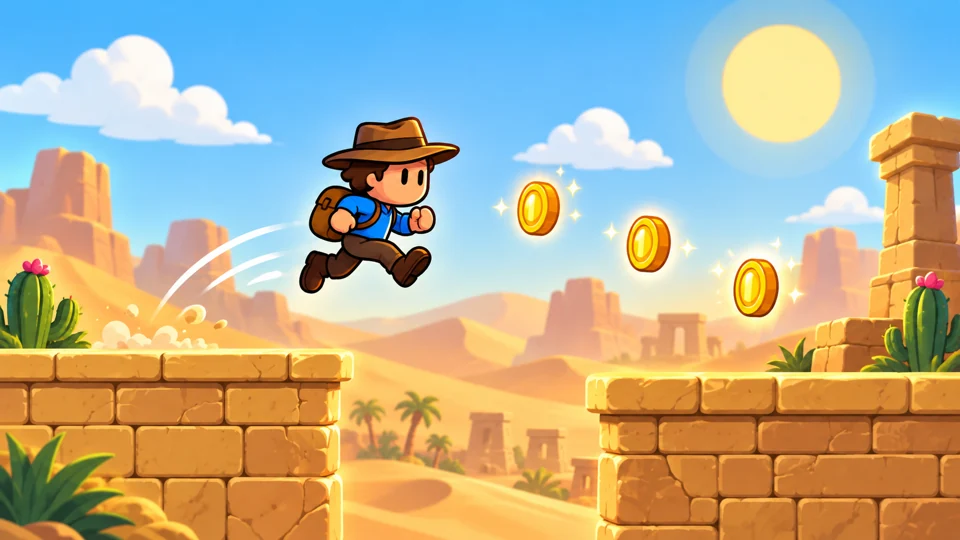
Gameplay preview: Desert AdventureSee the game
Promotional artwork for Desert Adventure

Choices · exploration

Desert Adventure

Make an adventure feel like yours.

Large images show actual gameplay; small covers are promotional artwork. Sweet Swap is an additional library activity. Teachers assign classroom activities.

A little conversation. A big aha.

“What if I change this?”
Now they can find out.

Follow a sample student from an idea to a saved change. Pick an experiment, compare the results, and see the computer science hiding in the fun.

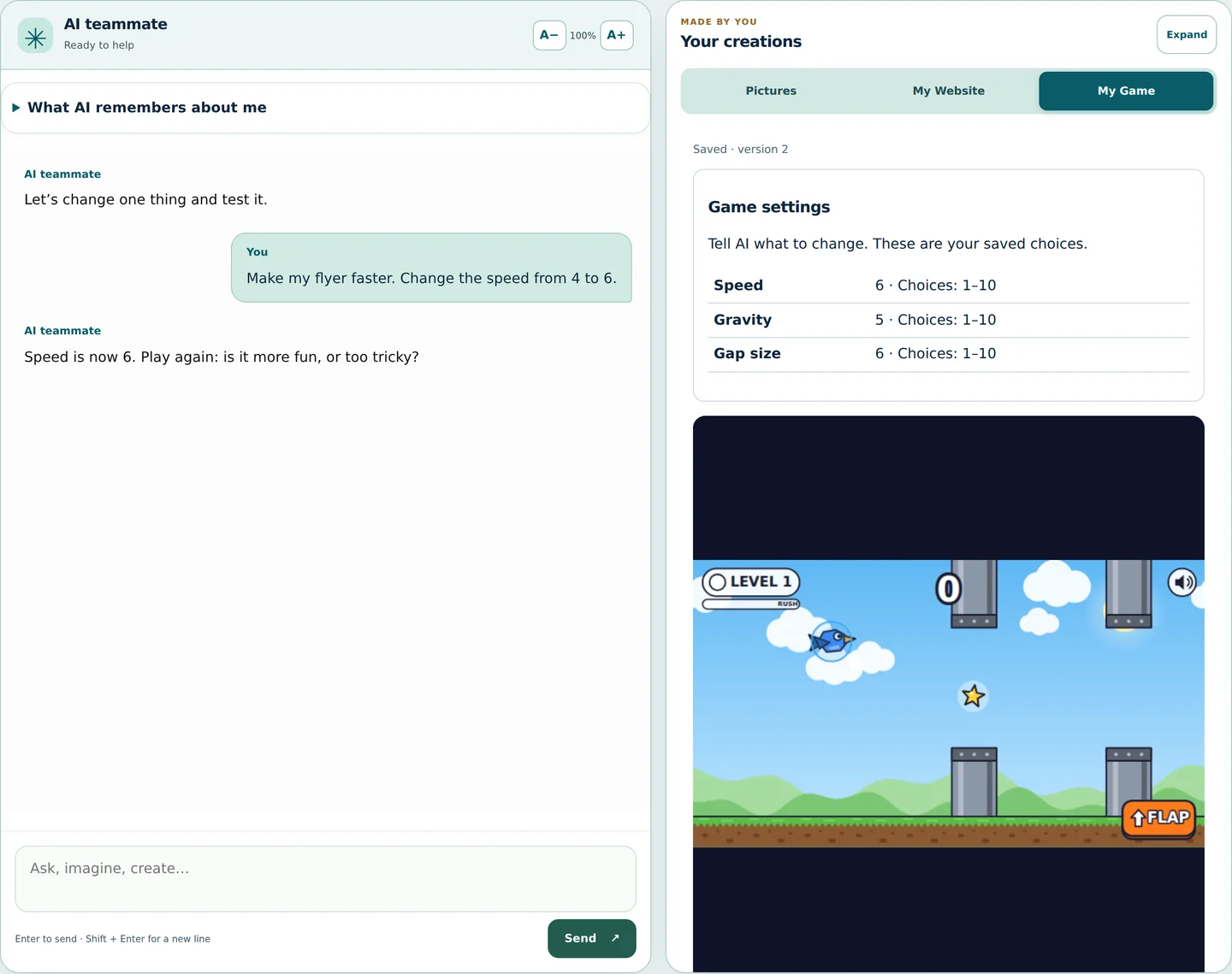
A sample student + their AI teammate

Student

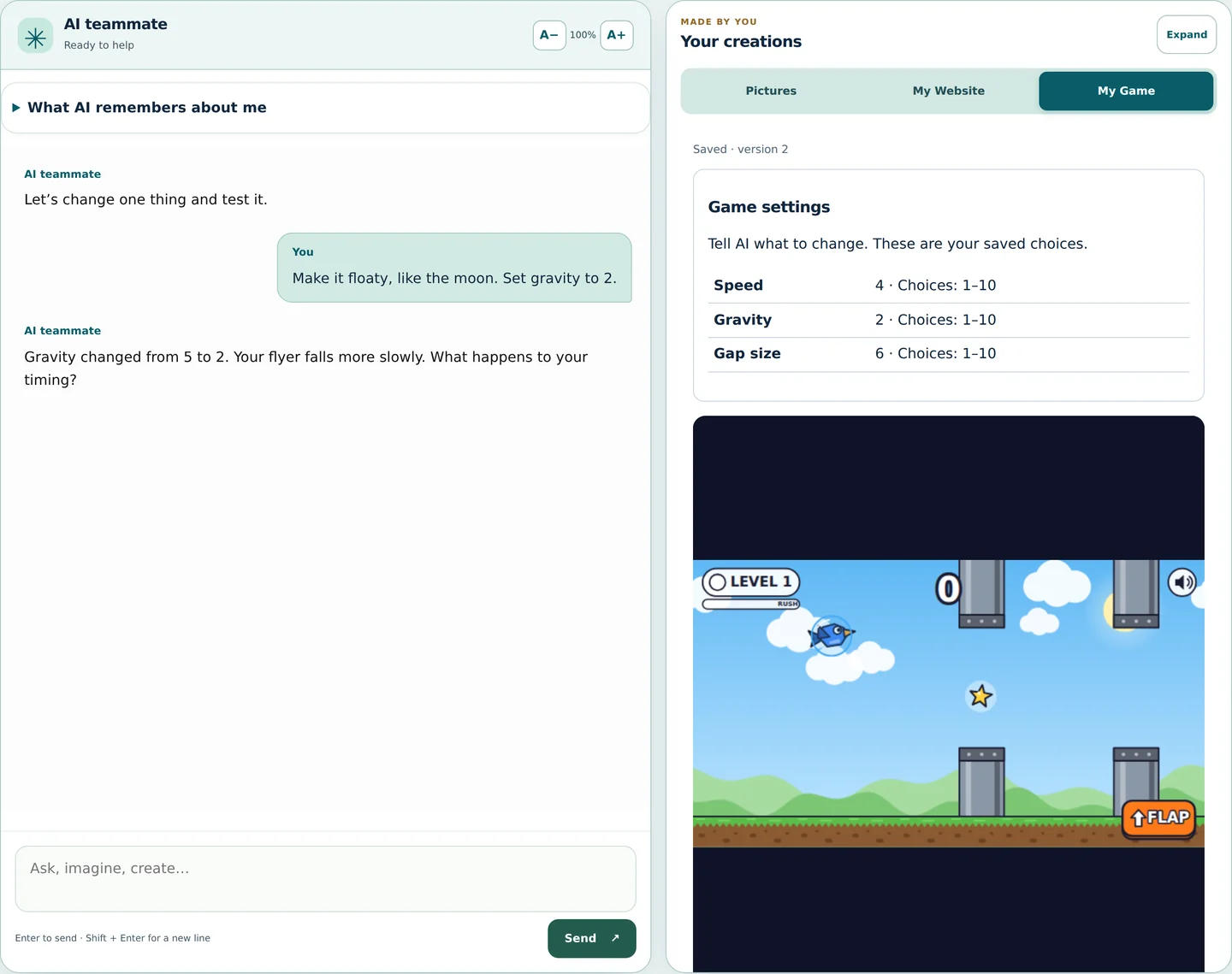
Make my flyer faster. Change the speed from 4 to 6.

AI teammate

Speed is now 6. Play again: is it more fun, or too tricky?

That’s computer science.A number changes how a game behaves.

Speed
Sample result: Turn up the speed

Real application. Sample conversation. See the full workspace ↗

An interactive example, with fixed sample replies. Your classroom’s tools and settings depend on the lesson.

A number. A different challenge.

A number. A different challenge.

Students compare speed settings and explain which version feels right.

Float a little. Learn a lot.

Float a little. Learn a lot.

Changing gravity makes cause and effect something students can test.

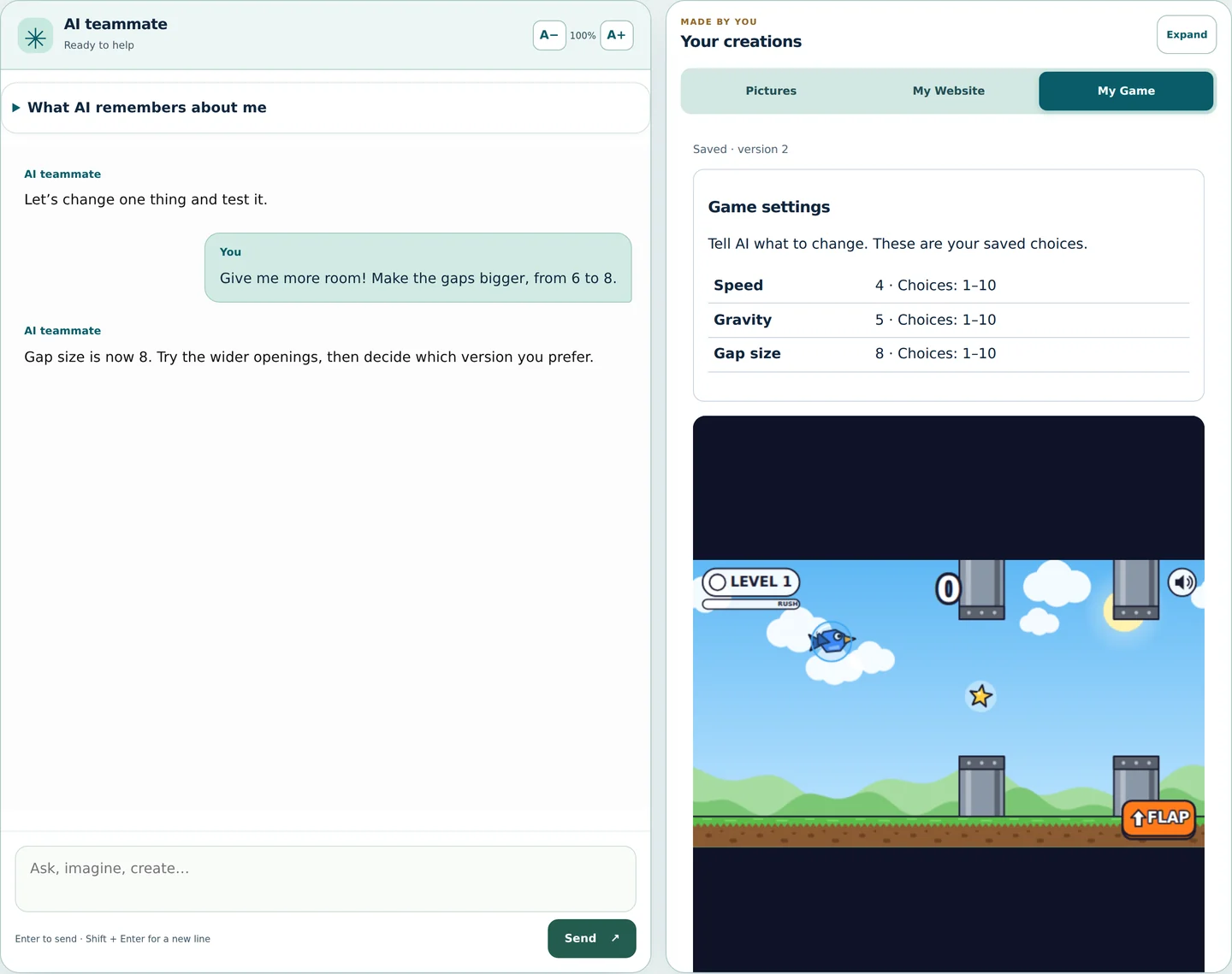
Design a fair challenge.

Design a fair challenge.

Wider gaps invite a conversation about difficulty, testing, and evidence.

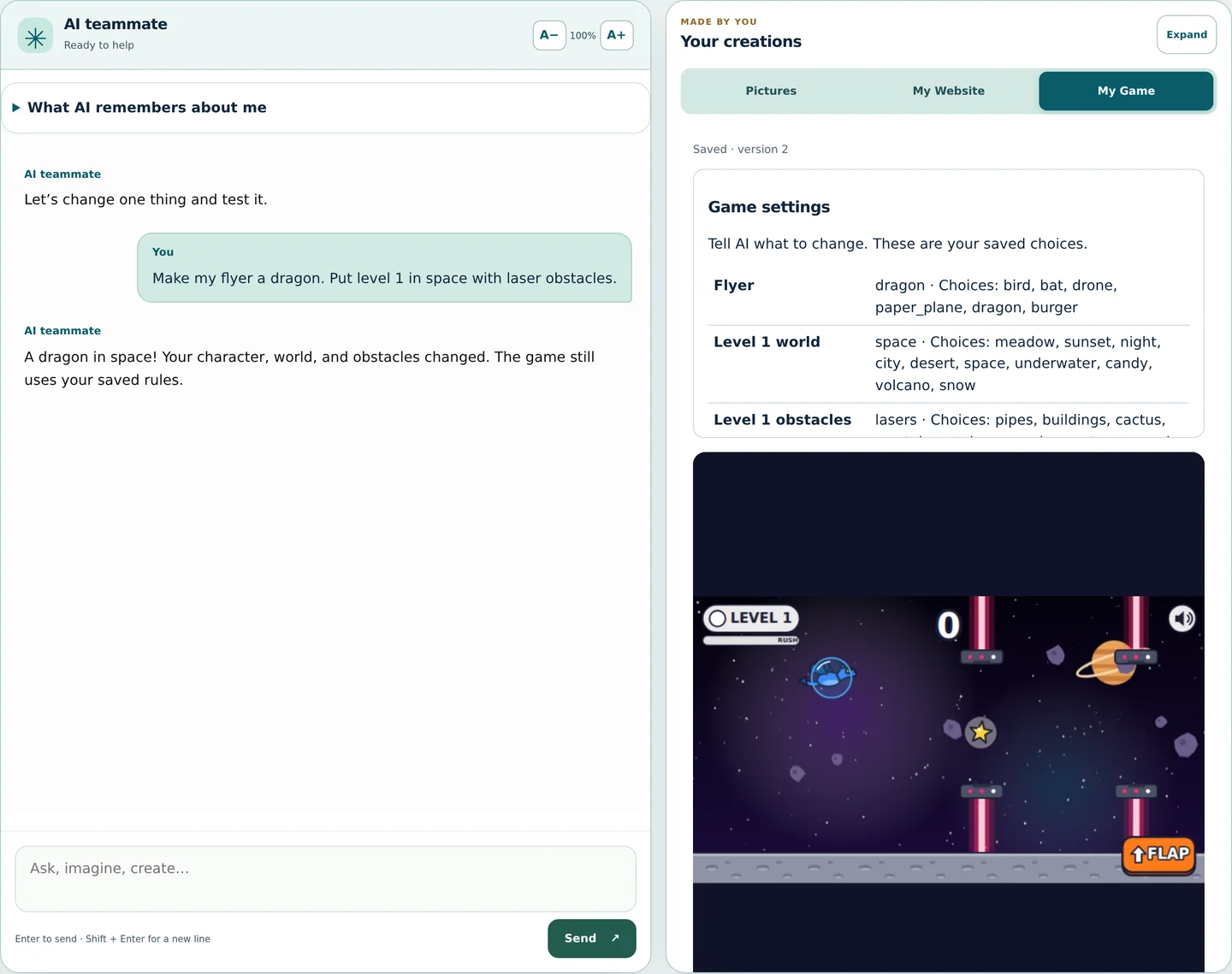
One prompt. A new adventure.

One prompt. A new adventure.

Clear instructions change a character, a world, and the next play test.

A website that feels like them.

A website that feels like them.

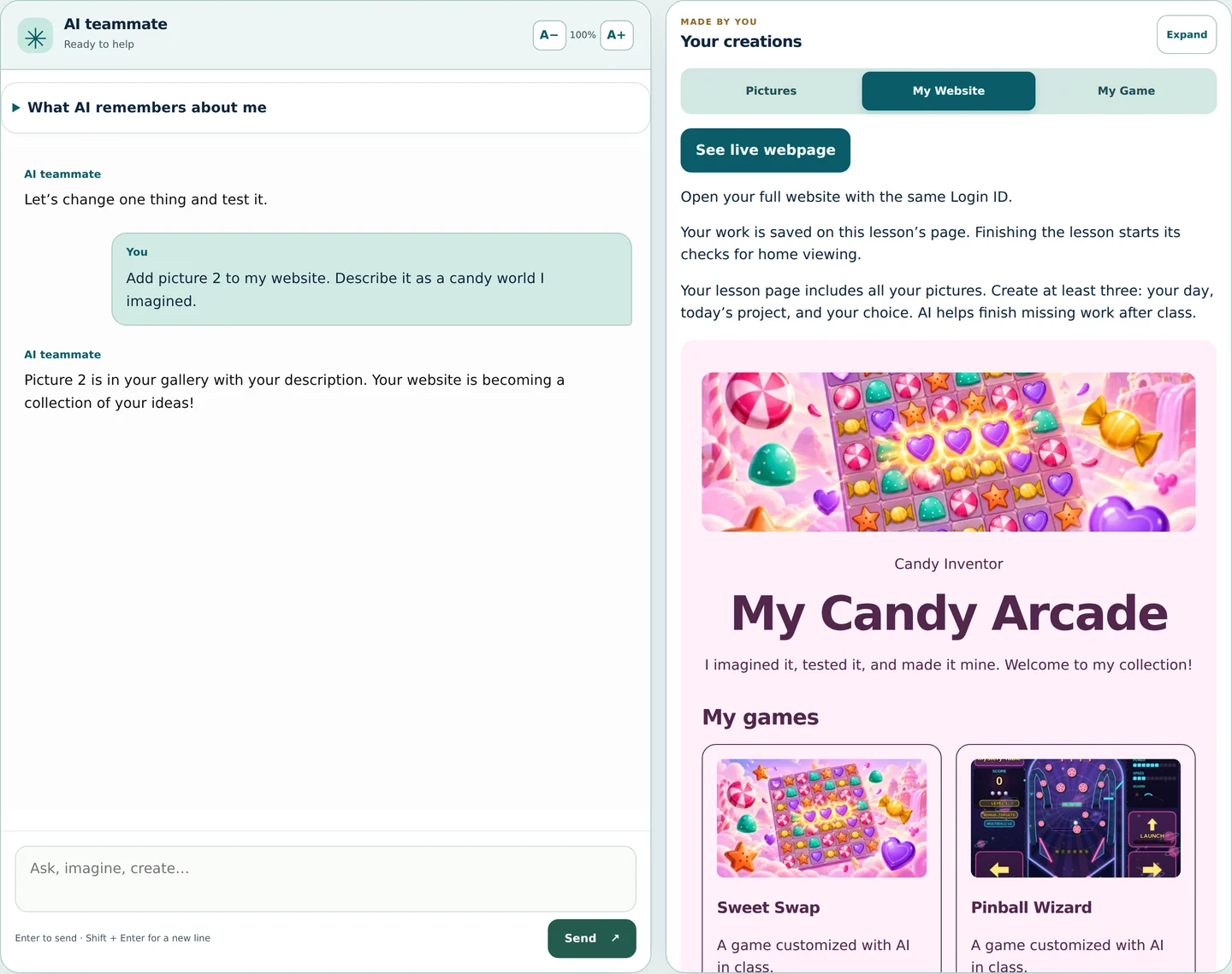
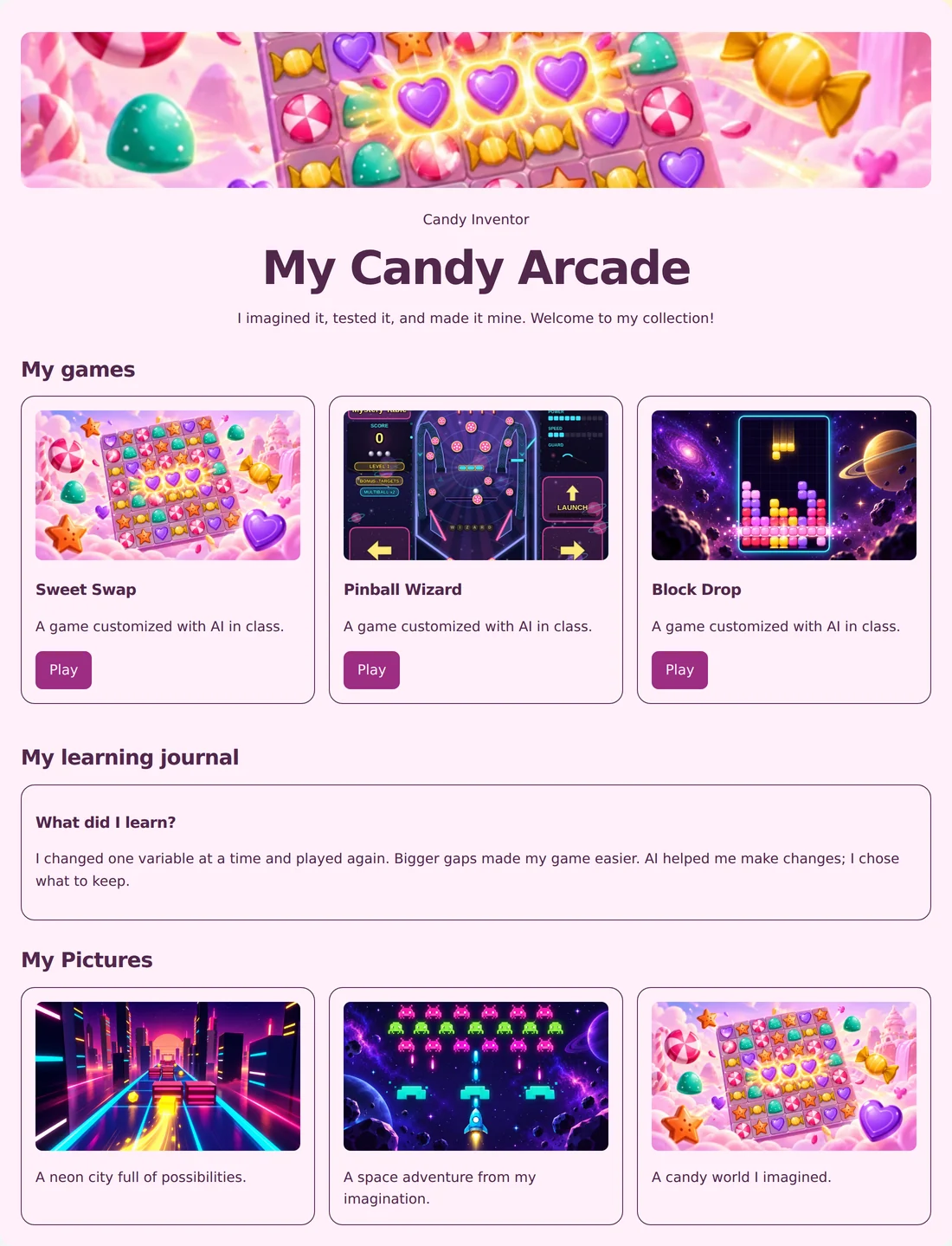
Students choose a theme and layout, then see their collection take shape.

Their imagination, collected.

Their imagination, collected.

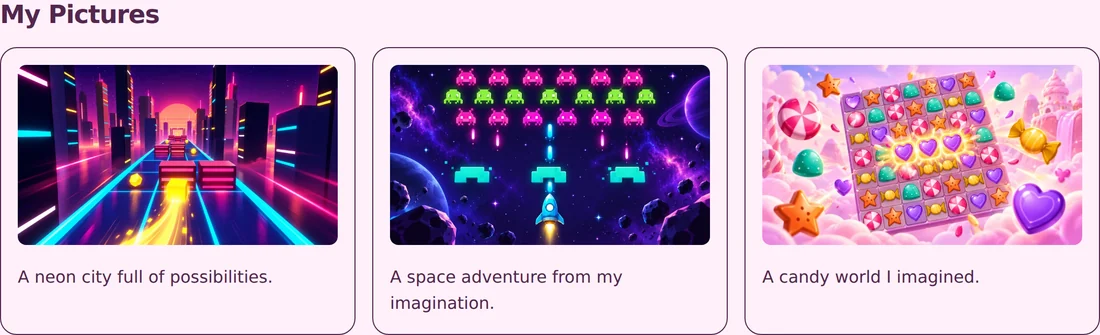
Pictures get descriptions and a place beside the games they customized.

The website is the show-and-tell

A home for every
“I made that.”

The game. The thumbnail. The picture they imagined. The thing they learned. Bring it all together on a personal website built from a working starter.

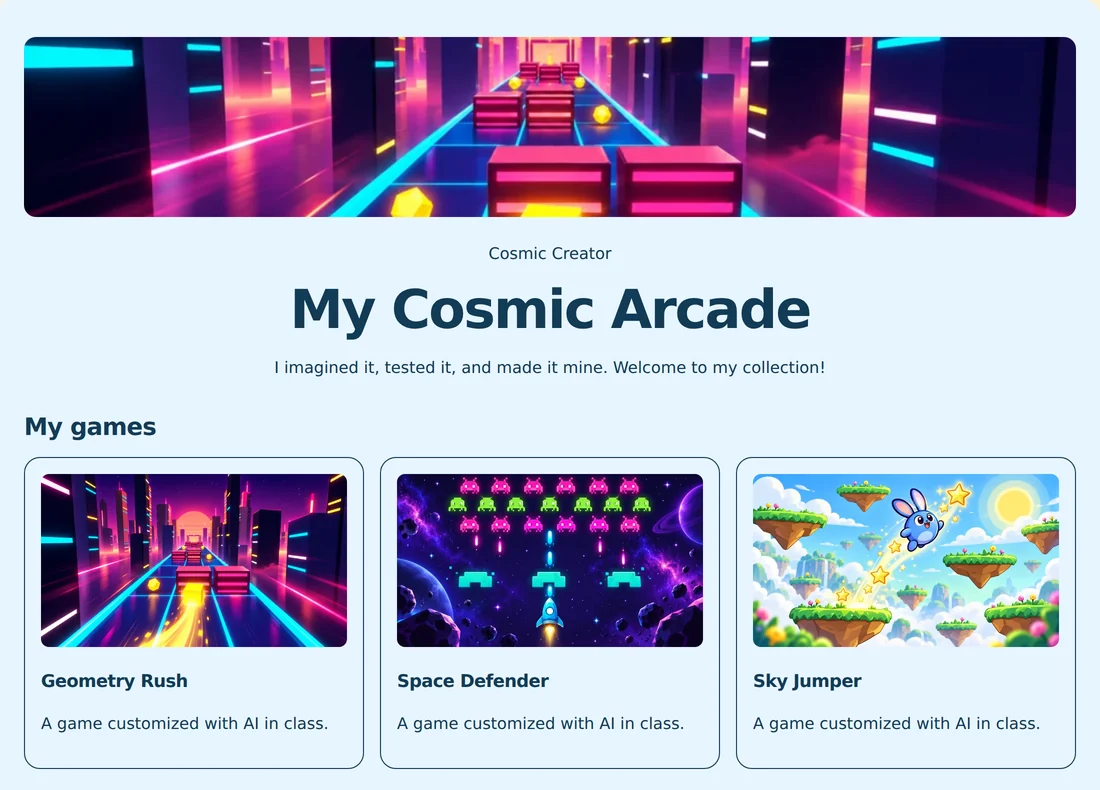
My Website
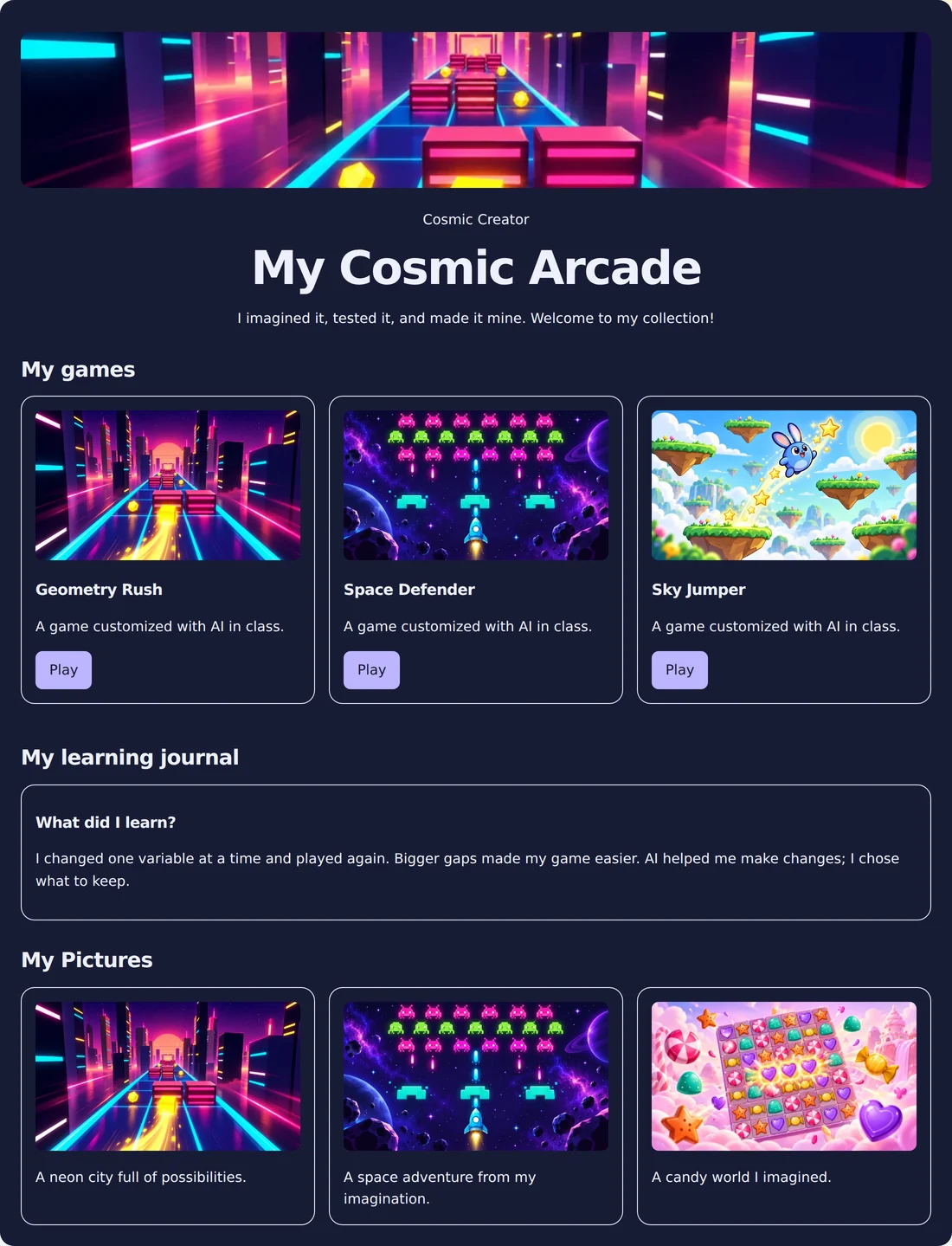
Cosmic ideas. One personal website.

Cosmic ideas. One personal website.

Games, artwork, and a reflection from a sample space explorer.

Explore the finished page ↗
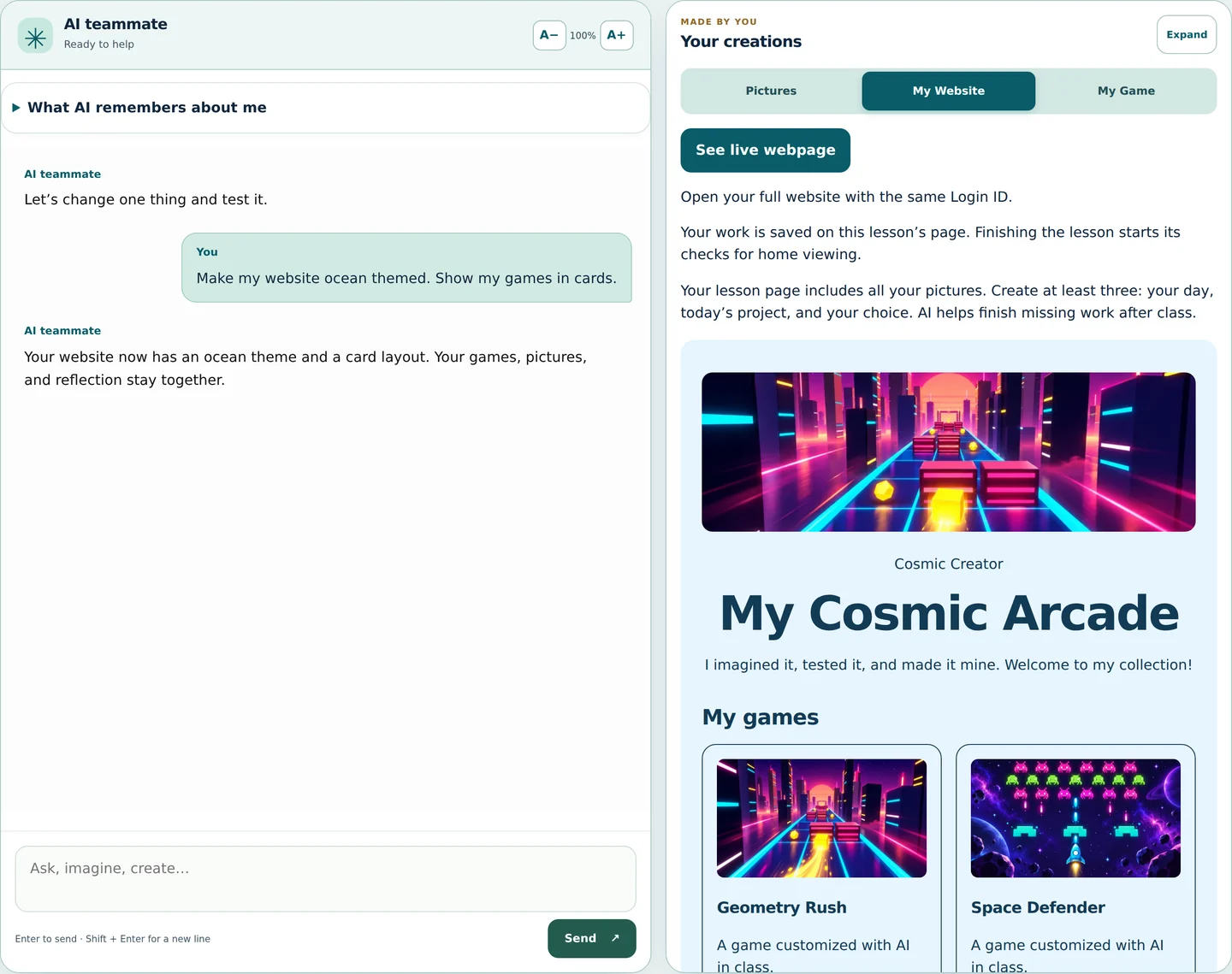
My Website
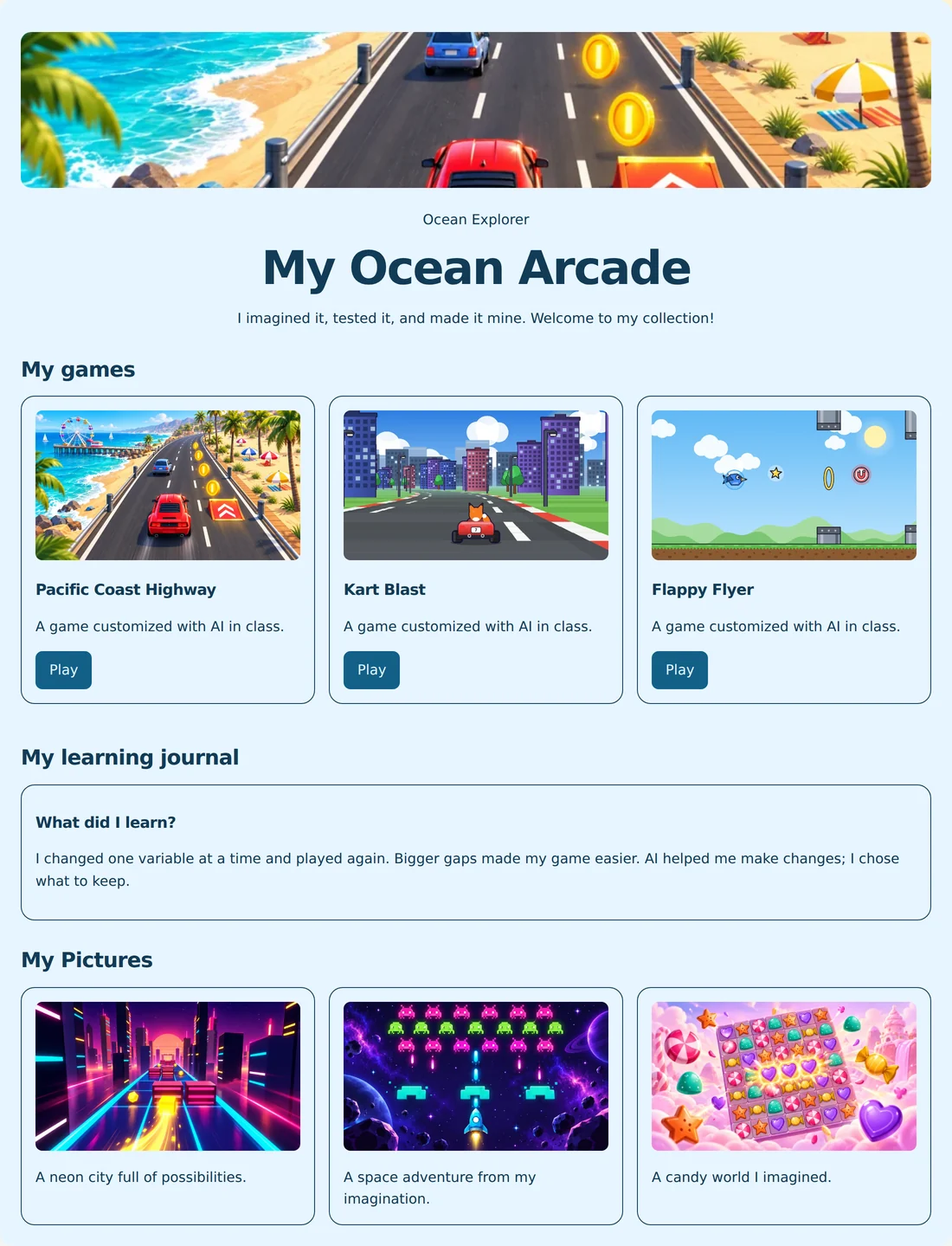
A sea of things to be proud of.

A sea of things to be proud of.

An ocean theme, a game collection, and pictures with descriptions.

Explore the finished page ↗

Fictional sample portfolios, shown in English or Spanish. Website access and publication follow the participating classroom’s settings.

Start with curiosity.Leave with something to show.

Bring WOWK12 to your school ↗

For the person planning next semester

Your next after-school
“Can we do that again?”

Give your middle school program a creative destination and a clear learning purpose. WOWK12 brings the course, the projects, and the classroom workspace together.

A reason to show up curious

A different design challenge each session: snakes, racers, space missions, mazes, pinball, and a final expo.

Learning you can see

Students explain a prompt, a setting, a test, and a decision. Their projects make the learning visible.

Support for your instructors

Bilingual lesson guides, presentation decks, build checkpoints, and discussion prompts give each session structure.

A practical classroom setup

A browser-based workspace, including Chromebooks. School-managed student access and teacher-controlled class sessions.

A session with a purpose

60 minutes. A whole creative journey.

The course includes a 60-minute lesson plan and a 90-minute extension. Instructors can use the extra time for deeper experiments and peer feedback.

  1. 9 min

    Meet the mission

    A challenge, an AI idea, a CS discovery, and a hello to your teammate.

  2. 11 min

    Imagine and plan

    Create pictures and turn an idea into a design brief.

  3. 21 min

    Build in three stages

    Assemble the look, movement, and rules. Test and accept each part.

  4. 10 min

    Play, check, improve

    Try the complete game, gather evidence, and make a revision.

  5. 9 min

    Collect and reflect

    Update the project webpage and explain what you learned.

After-school programsMiddle school enrichmentSchool clubsCommunity learning programs

Let’s make it fit your program

Big excitement.
Practical answers.

Talk about your program ↗
Do students need coding or AI experience?

No prior experience is needed. Students begin with words, guided choices, and small tests. They discover computer science concepts through the settings behind their games.

What do students actually build?

Students assemble and customize existing game components through guided AI chat, create pictures, and collect their work on project webpages. They test real settings and explain their choices.

Do instructors need to be AI specialists?

Instructors guide the room using lesson plans, presentation decks, checkpoints, and discussion prompts. The platform supports class access and lesson pacing.

Is the course available in Spanish?

The course and student workspace support English and Spanish, including the sixteen lessons and their presentation decks.

What should we discuss before starting?

Bring your grade band, group size, devices, staffing, and schedule. We can discuss course access, lesson readiness, setup, school requirements, and pricing for your program.

Built so adults can say yes

Student creativity needs real controls.

Students use school-managed access, not personal consumer chatbot accounts. Section access is controlled by authorized adults. Chat is moderated and logged, with teacher oversight of their own sections.

  • School-managed identity

    Students use their username and the Class Password. Access is available only while their teacher keeps class open.

  • Teacher-controlled access

    Sections can be opened and closed by staff, and tools can be enabled by lesson policy.

  • Moderation and oversight

    Student prompts are screened, generated images have safety checks, and instructors can review activity in their sections.

For technology and school leaders

  • Authorization: Section access requires school or district authorization.
  • Transcripts: Chat activity is logged for authorized oversight.
  • Images: Teacher-enabled, quota-limited generation with moderation.
  • Interactive projects: The platform runs pre-written programs. Students assemble components and change supported settings with AI.
  • Devices: Browser-based student workspace, including Chromebooks.

Review your district's consent, retention, deletion, and provider requirements during pilot planning.

Bring the wow to your community

Let’s build your next great program.

Start with a conversation about your students. Explore the course, plan the schedule, and give your group something exciting to work toward.

  1. Tell us about your group

    Grades, group size, goals, and the moments you want to make possible.

  2. Explore the experience

    Walk through the lessons, student workspace, and instructor materials.

  3. Plan the practical details

    Discuss scheduling, devices, staffing, access, and pricing.

  4. Make room for the wow

    Help students build toward a final project and a WOW Expo.

Make your program the place where ideas come to life.

Planning a middle school club, school enrichment course, or after-school program? Tell us about your group. Let’s explore what they could create.

Choose a preferred time and our team will confirm availability.

Contact us at info@3andb.com